Identifying Hardware Components 2–9
Hitachi Simple Modular Storage 100 User’s Guide
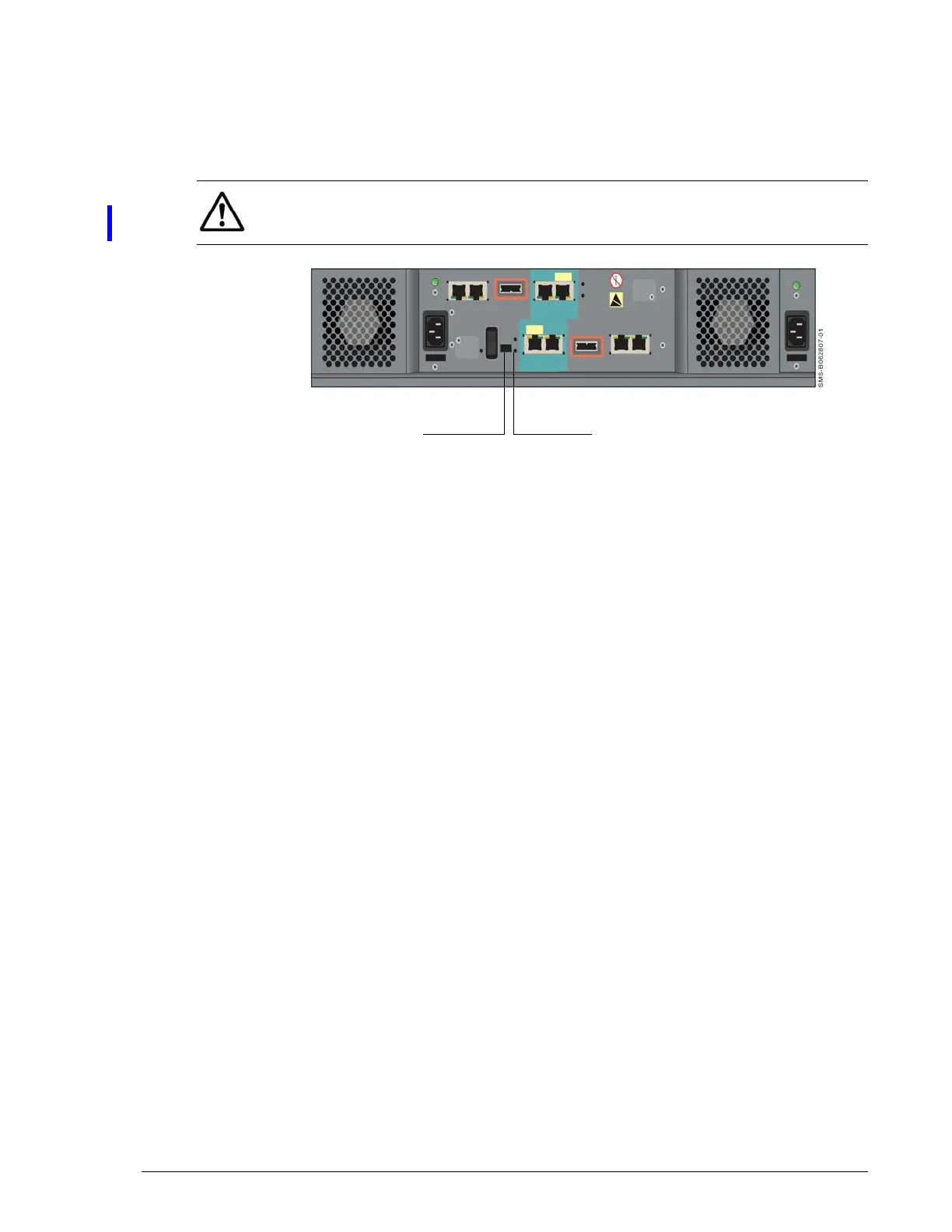
For normal operation, the mode switch should be in the N position. The E
position is used when you need to migrate data from one dual-controller
Hitachi Simple Modular Storage 100 to another. The back panel C-PWR LED
then goes OFF and the EXT LED goes ON to show that the array is in
migration mode. For more information, see Migrating Data on page 4-7.
•
•
Figure 2-9: Location of MODE Switch and EXT LED on the Back Panel
Top Components
The top of your Hitachi Simple Modular Storage 100 may have cautions,
product information labels, and/or agency certifications.
NOTE: When you move the MODE switch to the E position, a question
mark (?) appears for the status shown for the array in Storage Navigator
Modular 2 to show that the array is in migration mode.
EXT LEDMODE Switch



 To Next Page