3–2 Installing Your Array
Hitachi Simple Modular Storage 100 User’s Guide
Installation at a Glance
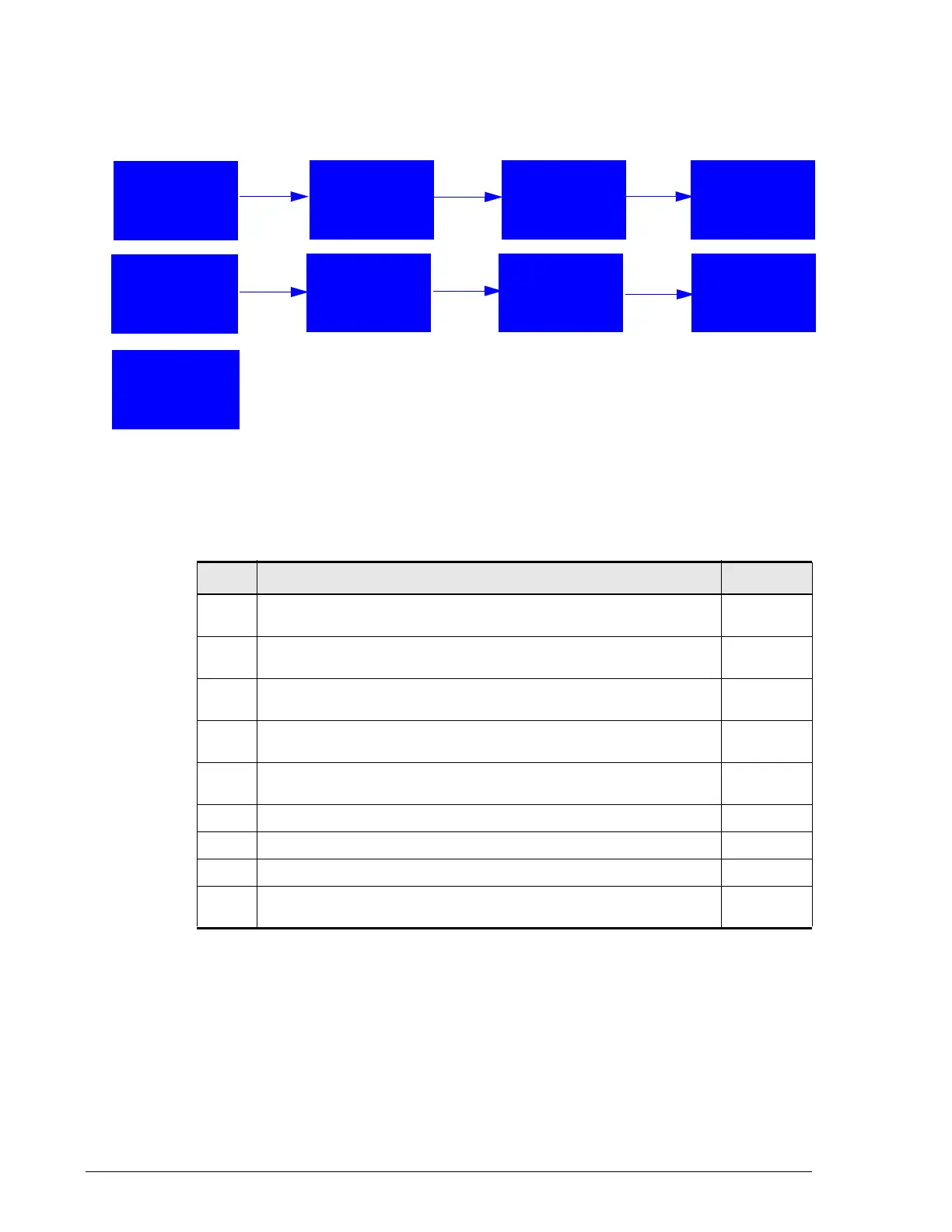
Table 3-1 describes the steps to follow when installing your Hitachi Simple
Modular Storage 100.
Figure 3-1: Installation Roadmap
Table 3-1: Installation Roadmap
Step Description See Page
1.
Prepare the site where you intend to install your Hitachi Simple
Modular Storage 100.
3-3
2.
Review all safety considerations before you start the installation
process.
3-5
3.
Unpack and make sure all items are accounted for and not
damaged.
3-7
4.
Obtain the required user-supplied items to perform the
installation.
3-8
5.
Install your Hitachi Simple Modular Storage 100. The array can
be installed on a desk or shelf or in a rack.
3-9
6.
Verify startup operations.
3-17
7.
Configure and manage your storage.
3-18
8.
Install iSCSI initiator software.
3-22
9.
Consult the Hitachi Simple Modular Storage 100 Host Installation
Guide for your host operating system.
3-22
2. Review All
Safety
Considerations
3. Unpack the
Array
4. Obtain
Required Items
1. Prepare Your
Site
5. Install the
Array
6. Verify
Startup
Operations
7. Configure &
Manage
Storage
8. Install iSCSI
Initiator
9. See Host
Installation
Guide



 To Next Page