A–1
Hitachi Simple Modular Storage 100 User’s Guide
A
Upgrading Firmware
Your Hitachi Simple Modular Storage 100 array can use newer
versions of its firmware as they become available. This appendix
describes how to upgrade the firmware on your Hitachi Simple
Modular Storage 100. This procedure requires the use of Storage
Navigator Modular 2.
1. Download the latest firmware.
2. Start your web browser and log in to Storage Navigator
Modular 2:
http://<IP address of management console PC>:23015/
StorageNavigatorModular/
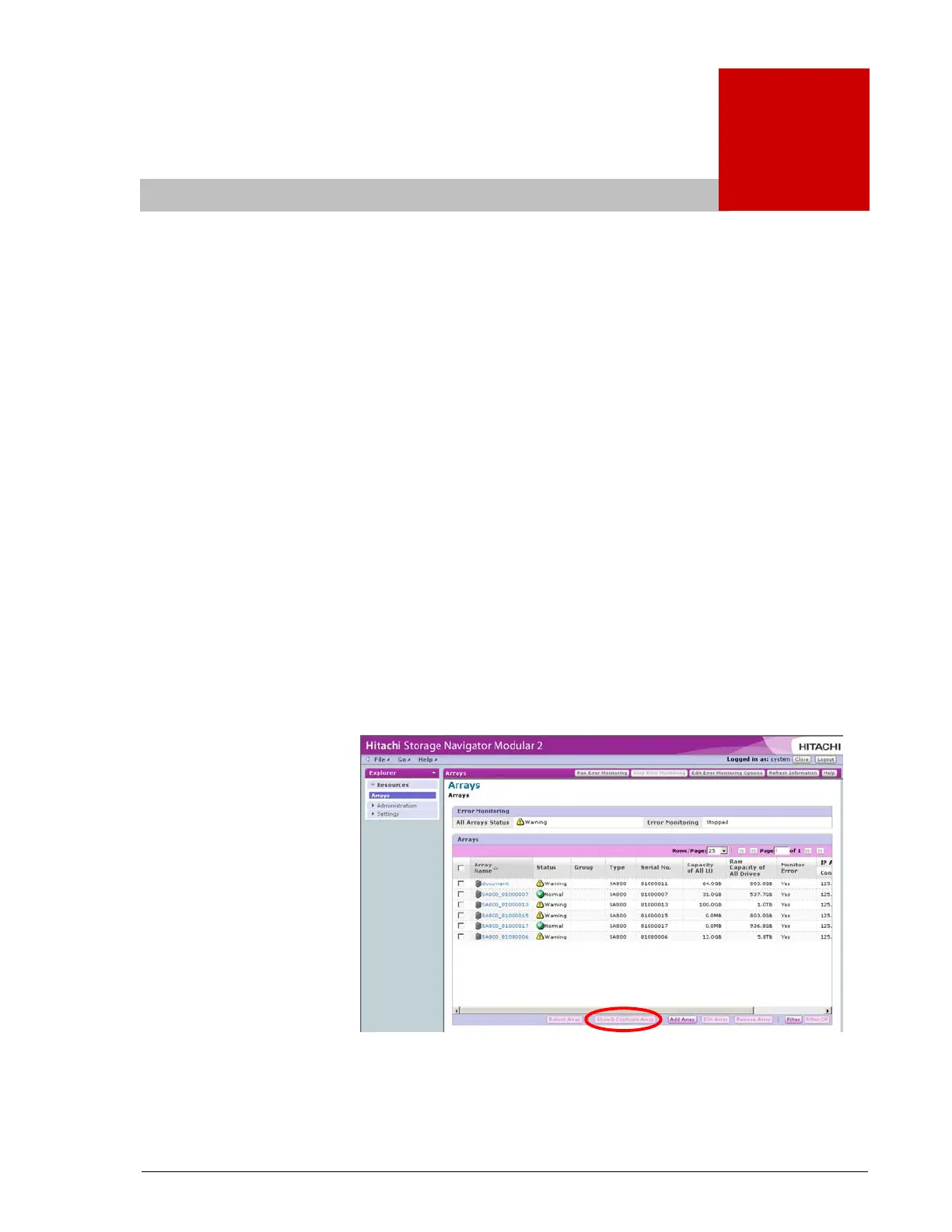
3. In the Explorer pane, click Resources > Arrays.
4. In the Arrays area, check the array whose firmware you want
to upgrade, then click Show & Configure Array.
•
A screen similar to the following appears.
•



 To Next Page