Installing Your Array 3–21
Hitachi Simple Modular Storage 100 User’s Guide
Specifying Mode Parameters
After you run the Storage Navigator Modular 2 wizards, use Storage
Navigator Modular 2 to set mode parameters. The selections you make will
be based on your host’s operating system and clustering configuration.
To access this page, use the following procedure.
1. If the Arrays pane appears next to the Explorer pane, skip to the next
step. Otherwise:
a. In the Explorer pane, click Resources > Arrays.
b. In the Arrays area, check an array to be initialized.
c. Click Show & Configure Array.
2. In the Arrays pane, select Groups > iSCSI Targets.
3. Under the iSCSI Target column, check an iSCSI target. Then click Edit
Target.
4. When the Edit iSCSI Target window appears, click on the Options tab
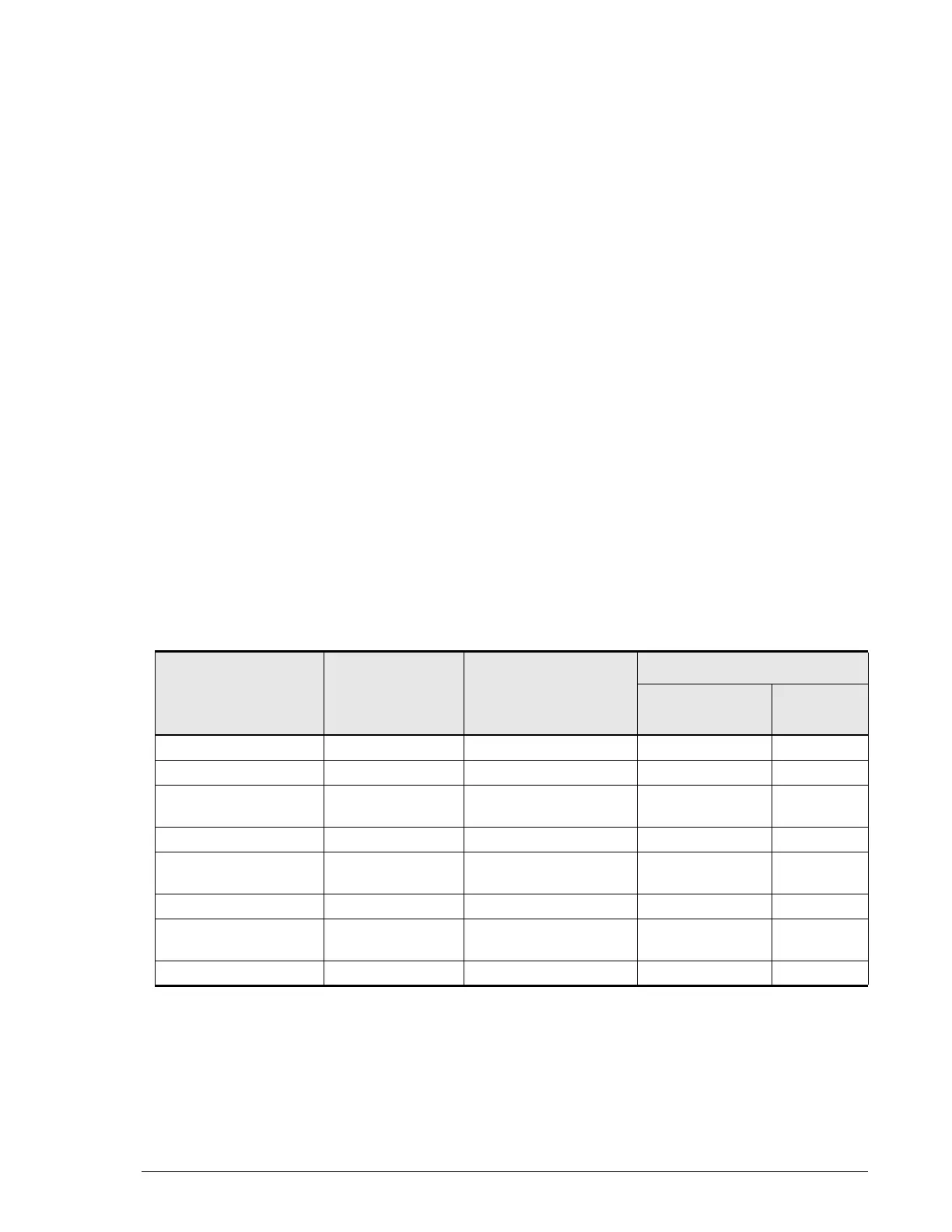
and make the following selections (see Table 3-4):
a. Platform — select your host’s operating system. If your host’s
operating system is not shown, select not specified.
b. Middleware — select Not specified for all operating systems.
c. Common Setting — select Standard Mode for all operating
systems.
d. Additional Settings — select None for all operating systems.
Table 3-4: Mode Parameters
For This Operating
System
Select This
Platform...
...This Middleware
Setting...
...and These Mode Settings
Common
Setting
Additional
Settings
Asianux Linux Not specified (none) Standard Mode None
Red Hat Linux Linux Not specified (none) Standard Mode None
Microsoft Windows
2003
Windows Not specified (none) Standard Mode None
Microsoft Windows XP Windows Not specified (none) Standard Mode None
Microsoft Windows
Vista
Windows Not specified (none) Standard Mode None
Solaris Solaris Not specified (none) Standard Mode None
SuSE Linux Enterprise
Server (SLES)
Linux Not specified (none) Standard Mode None
VMware Not specified Not specified (none) Standard Mode None



 To Next Page