Installing Your Array 3–13
Hitachi Simple Modular Storage 100 User’s Guide
•
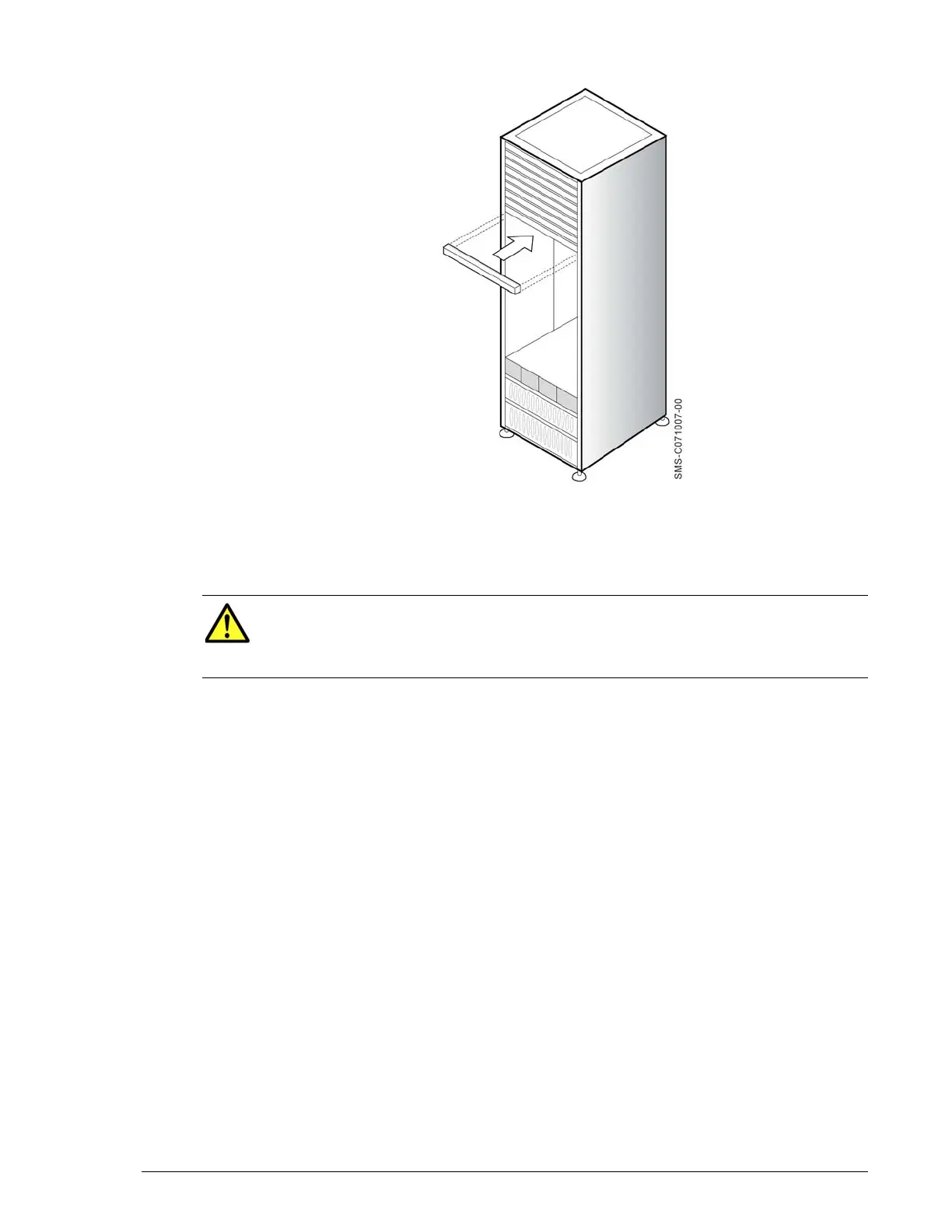
Figure 3-5: Attaching the Front Bezel (Rack-Mount Installation)
Removing the Front Panel Bezel
To remove the front bezel, grasp the front bezel and gently pull it toward
you until it disengages from the four ball catches (two on each side).
CAUTION!It is important to keep the front panel bezel and rear
panel clean (see Caring for Your Hitachi Simple Storage Modular on page
4-7). Otherwise, the array’s internal temperature can increase,
causing the array to fail.



 To Next Page