Installing Your Array 3–17
Hitachi Simple Modular Storage 100 User’s Guide
•
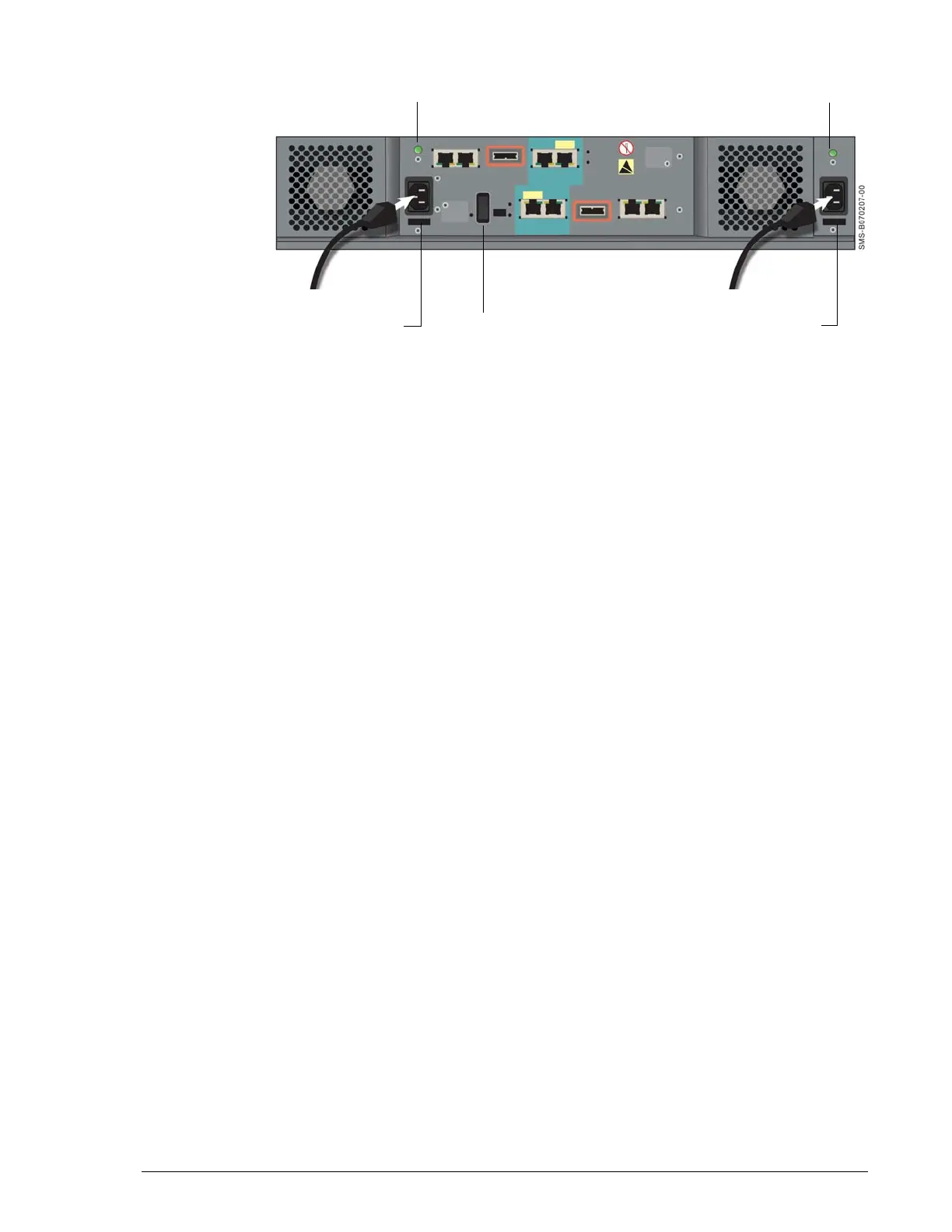
Figure 3-9: Attaching the Power Cables
Verifying Startup Operations
To verify that your Hitachi Simple Modular Storage 100 is installed and
starts up properly:
1. On the back panel, verify that the green LEDs above each power
receptacle are blinking.
2. Set the MAIN SW switch on the back panel to the ON position to apply
power.
3. Listen for the fans to start operating and check for airflow.
4. On the front panel, verify that the green Power LED goes on (see
Figure 2-1 on page 2-1).
5. In a few minutes, verify that the green Ready LED on the front panel
goes ON (see Figure 2-1 on page 2-1).
•
Power LED
Power LED
Power Cable HolderPower Cable Holder MAIN SW Switch



 To Next Page