Maintaining Your Array 4–3
Hitachi Simple Modular Storage 100 User’s Guide
•
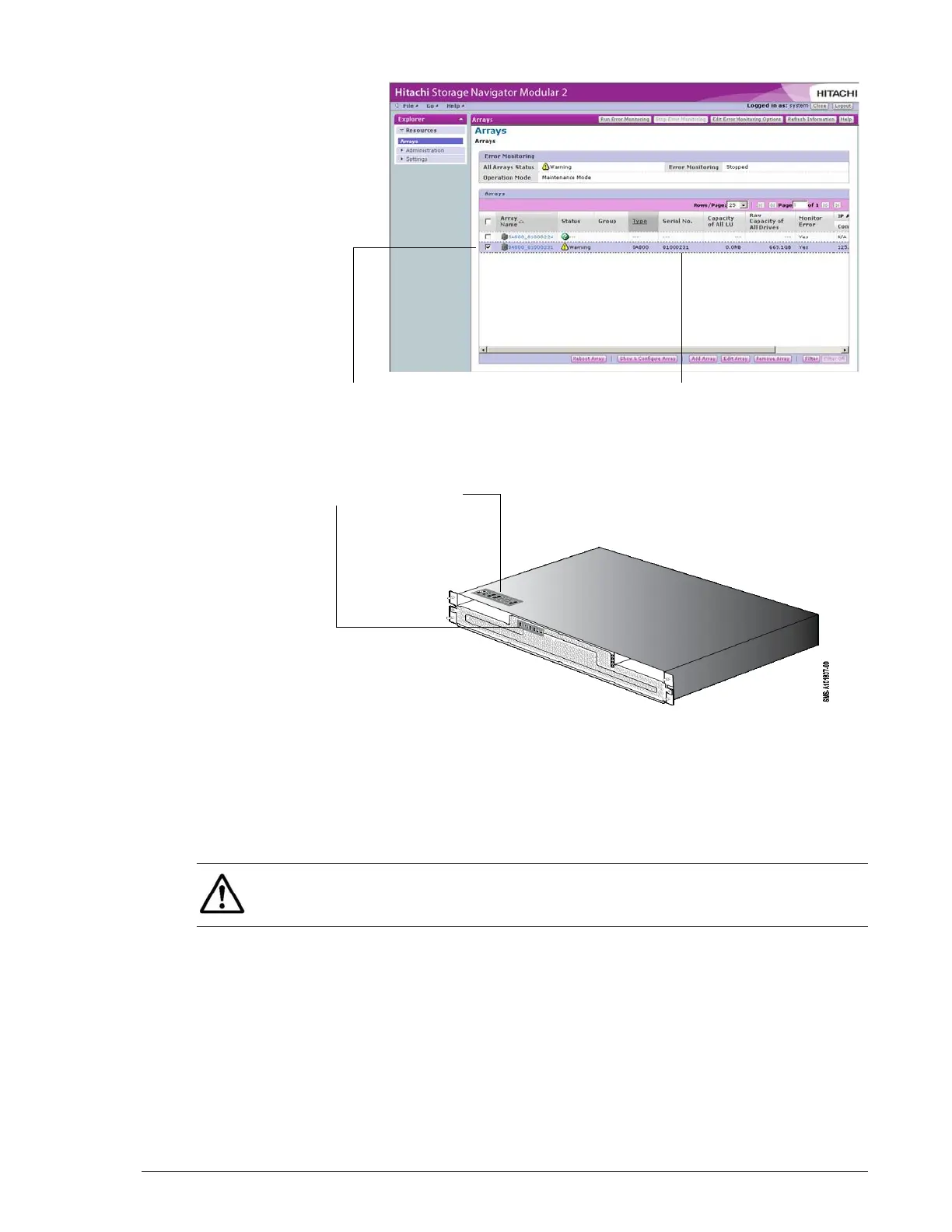
Figure 4-1: Checking for Failed Drives
•
Figure 4-2: Locating the Serial Number
5. If one failed part is shown in the Alerts & Events window, click Show
Details (see Figure 4-3 on page 4-4), read the details about the failed
part in the Alarm Information window (see Figure 4-4 on page 4-4), and
click the link to the support site.
If two or more parts are shown, see Chapter 5, Troubleshooting.
•
Example of Array with Warning Status Serial Number Column
Hardware Serial Number
NOTE: If the console does not have an Internet connection, note the
information shown and access the link from a computer that has a
connection to the Internet.



 To Next Page