5–4 Troubleshooting
Hitachi Simple Modular Storage 100 User’s Guide
• If your Hitachi Simple Modular Storage 100 is shown, the array is
faulty and should be replaced.
• If neither appears in the failure list window, a software failure may
have occurred. See “Unidentified failure has occurred” Table 5-1 on
page 5-5.
•
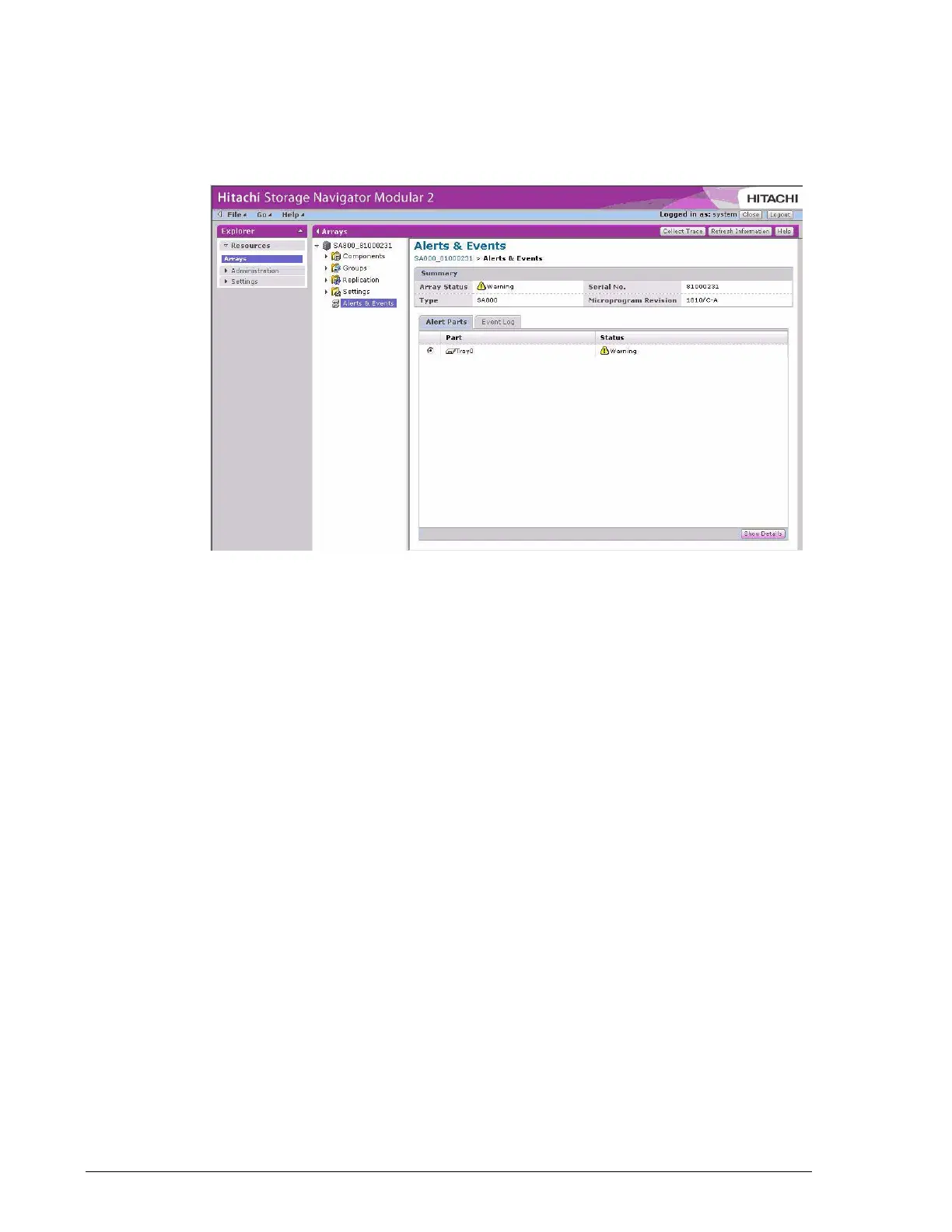
Figure 5-2: Example of the Failure Parts List Tab
7. If an entry appears in the failure parts list window, click Show Details
in the lower right corner of the screen for detailed information (see
Figure 5-3 on page 5-5). To remove the information, click the Close
button.



 To Next Page