BASE STATION SETTINGS
75
5.7.5 Register Headsets
Each headset must be “registered” to the base station, so the base station will recognize it when its power
is on, and will be able to tell the difference between it and other electronic equipment operating on similar
frequencies. If a headset is replaced, you must register the new one before you use it.
To register headsets to the base station, see Section 4.2.5, pg. 16.
5.7.6 HME Sales and Service
5.7.7 Stores Settings
Store settings are crucial to drive-thru operation. After you setup the initial settings, they can be changed
by store managers or other authorized personnel.
After you have congured all store settings, set up a password to control access to store settings, and
then provide it to the store manager.
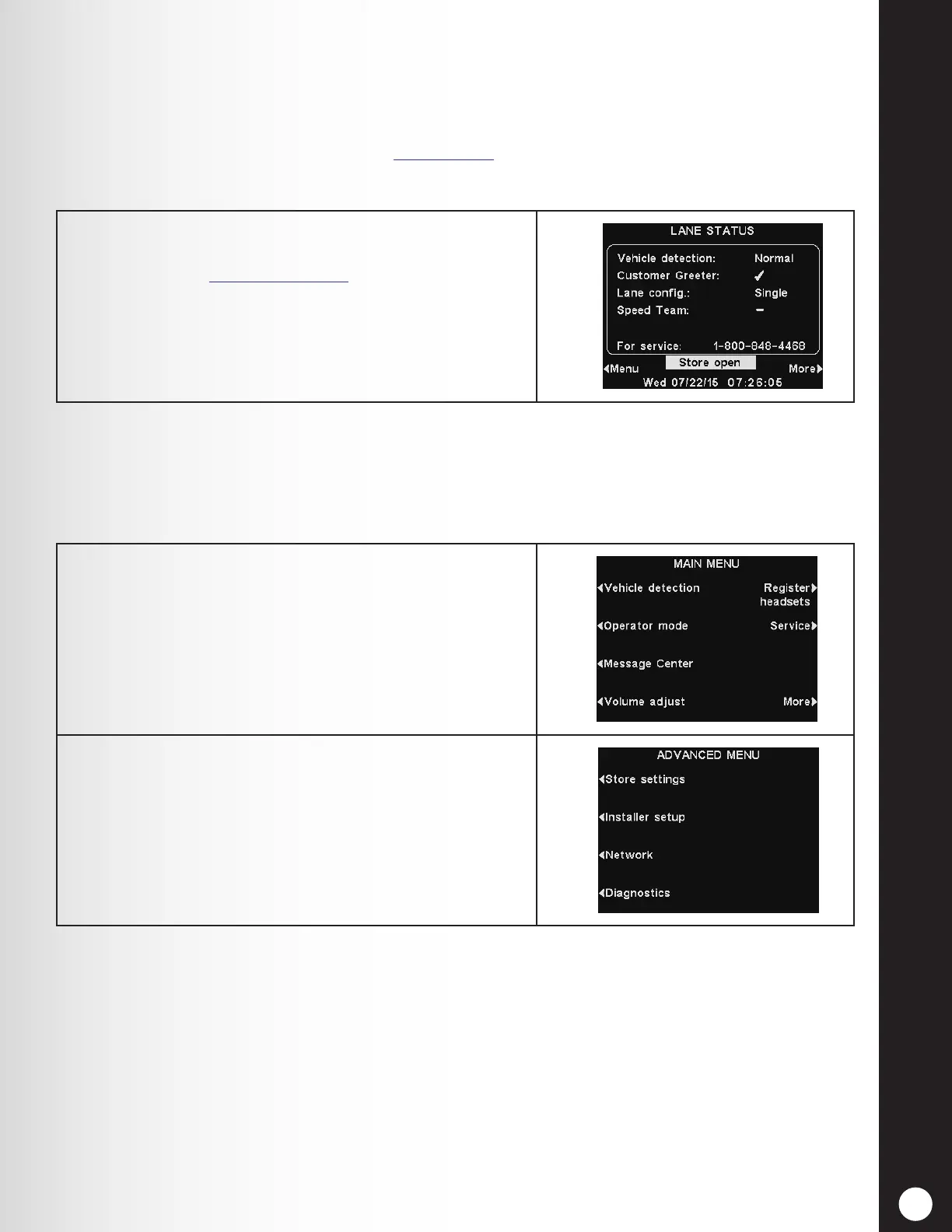
To contact HME Technical Support, note the phone
number listed next to “For Service:” on the LANE STATUS
display. Or email support@hme.com.
1. Press the More button from the MAIN MENU display
to access the STORE SETTINGS display.
2. Press the Store settings button on the ADVANCED
MENU.



 To Next Page