OPERATION OF THE SOFTWARE MENU
Imager Duo Operator’s Manual
4.5
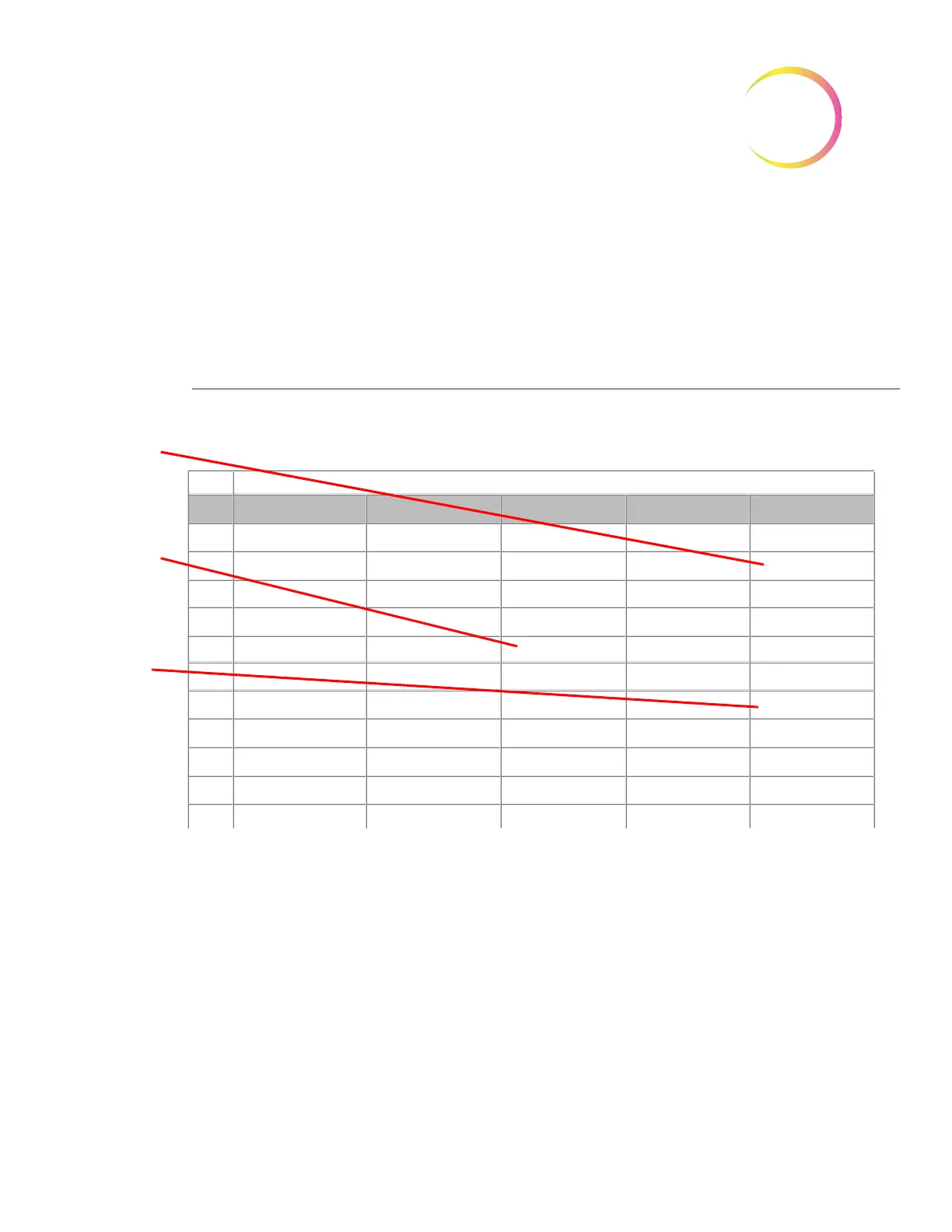
Figure 4-6 Run Report (continued)
Auto Print Run Report
This function, if selected, will automatically print the Run Report at the conclu-
sion of a batch. See Figure 4-4.
ThinPrep® Imaging System Run Report
Started:
Completed:
Lab Name:
TIS S/N
Imager:
Sep 20, 2012, 03:14:56 PM
Sep 20, 2012 03:51:49 PM
Hologic
20185J04AP
IP190ZKM1
Slides Ready for Review Scope (Cassettes 1 - 5)
1
2
3
4
5
6
7
8
9
Slot
Slide ID
Cassette 1
83668809999087
79000151115002
08387390999138
83805969999060
10019939999083
10019979999206
83668729999235
74007569999002
79000351135022
Cassette 2
08392879902569
78234766393214
98745239678698
10004554576577
10013245684322
08456756495430
54894208423084
65743566788989
Cassette 3
7653622367855
76823451545675
12454608665446
00425856784356
66567547583111
76784563345346
78546231000566
00496865785877
Cassette 4
24396587563873
76754688909000
69856432679965
01974353065673
17685463235667
95357578787632
34786457345234
67546657881114
74567980867656
Cassette 5
83668809234556
3303
08386787390938
2407
94355668345214
74539476122565
3310/4450
96467345767677
45667879434567
Slides that are
ready for review
are listed by slot
position and
cassette num-
ber. Any slide
events show the
error number in
bold at the slide
position it
occurred.
A blank space
indicates a slide
was not
present in the
cassette.
Double error
entry indicates
a slide failed
imaging in two
batches (see
Figure 4-5)












 To Next Page