OPERATION OF THE SOFTWARE MENU
4.14
Imager Duo Operator’s Manual
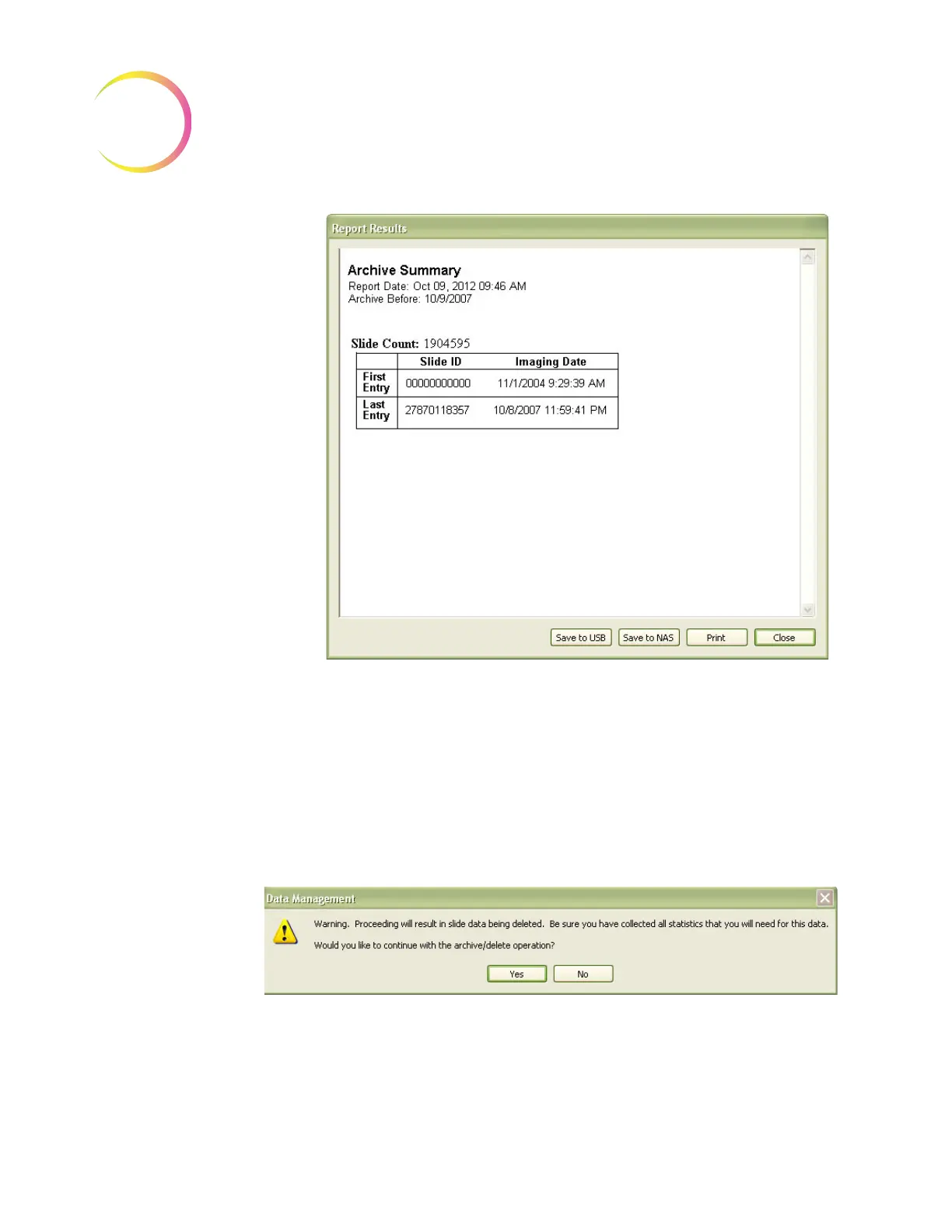
To view a report of the slides that have been selected, click on the
View
button.
Figure 4-20 Archive Summary Report
The report tallies how many slide data records were found in the date range.
The report may be saved or printed. Click
Close
to return to the Archive win-
dow.
To proceed with the Archive function, click on the
Go...
button.
If the backup checkbox was not selected, a message prompts the user to confirm
that no backup was desired. Click
Yes
to proceed or
No
to go back to the
Archive menu.
Figure 4-21 Confirm Database Records Deletion Message
If the date range that was selected includes data records that are less than five
years old, a message will prompt the user to confirm that Archive/Delete is OK.












 To Next Page