OPERATION OF THE SOFTWARE MENU
Imager Duo Operator’s Manual
4.15
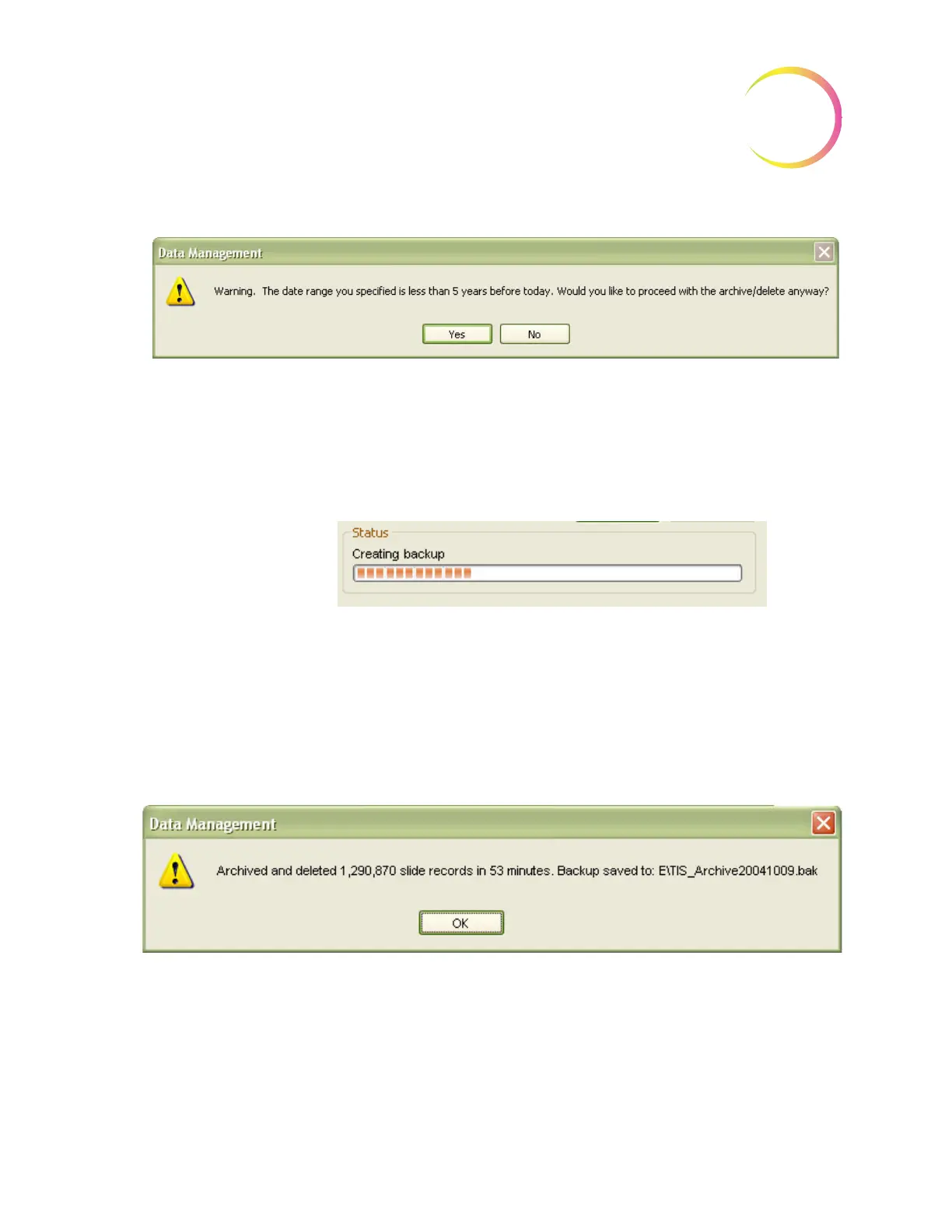
Figure 4-22 Confirm Database Records Deletion Message 2
The system proceeds to create a temporary backup of the purge database (in
case the archive function fails, it attempts to recover and restore data). At the
same time a backup is created to the desired storage media, if that was selected.
Then the slide data records for the date range are purged. Figure 4-23.
Figure 4-23 Archive/Delete Function in Process
If a large number of data records have been selected for backup/purge, this
function could take a long time.
If the system encounters an error condition during this process, it will attempt
to recover and restore data.
When the archive/delete is complete, a message box informs the user.
Figure 4-24 Archive Complete
Restore Archive
Restore Archive allows the user to restore one or more of the archived slide data
records to the Imaging System database.












 To Next Page