OPERATION OF THE SOFTWARE MENU
Imager Duo Operator’s Manual
4.39
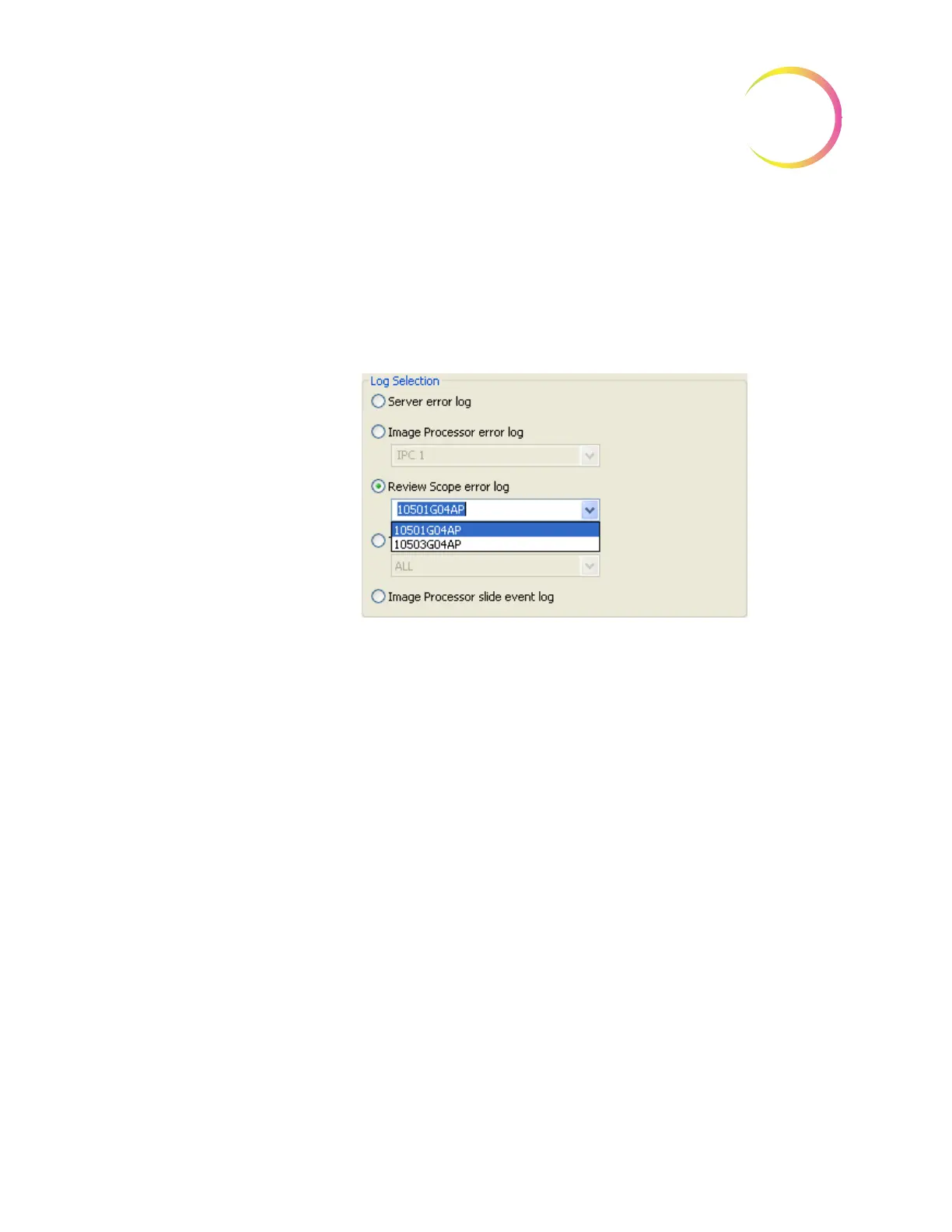
Report - Review Scope Error Log
This report displays errors encountered by Review Scopes. A drop down list
displays the Review Scopes that are connected to the network. Select one by
clicking on the RS serial number listed. (Figure 4-53.)
Note:
An RS that is on the network but has not written an error to the database
yet will not appear on the drop down list.
Figure 4-53 Select Review Scope for Error Log Report
Then click on the
View
button to see the report. (See Figure 4-54.)












 To Next Page