OPERATION OF THE SOFTWARE MENU
4.40
Imager Duo Operator’s Manual
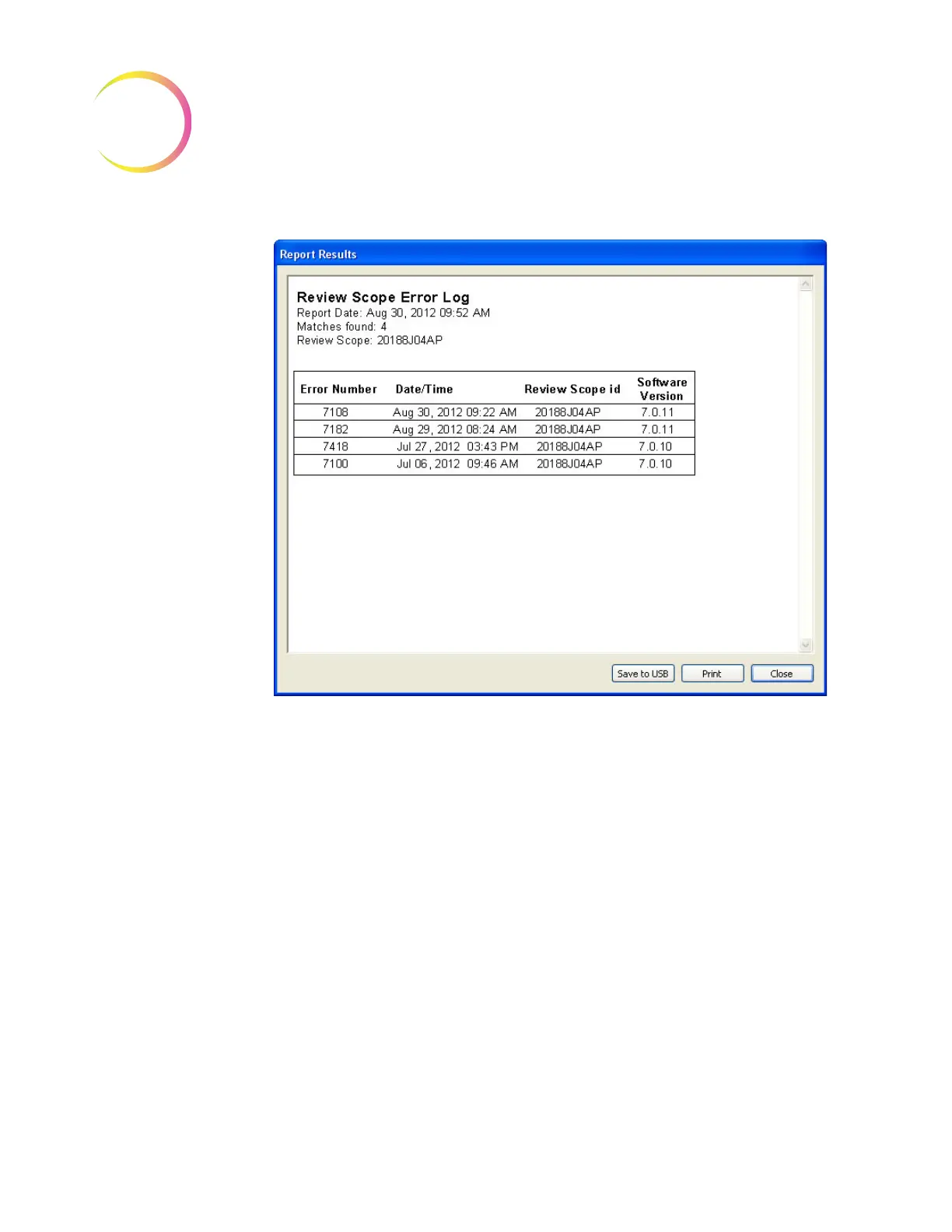
Figure 4-54 Review Scope Error Log
The errors are displayed with the most recent events at the top and older events
following. The report will display as many lines of data as selected in the report
limit setting (500 to 5000), refer to “System - Lab Settings” on page 4.56.
Click on the
Print
button to print the report. Click on the
Save to USB
button to
save the report to a USB key, or the report may be saved the NAS drive (if your
system is configured with H
net
). Click on the
Close
button to return to the Logs
Selection menu.












 To Next Page