OPERATION OF THE SOFTWARE MENU
Imager Duo Operator’s Manual
4.41
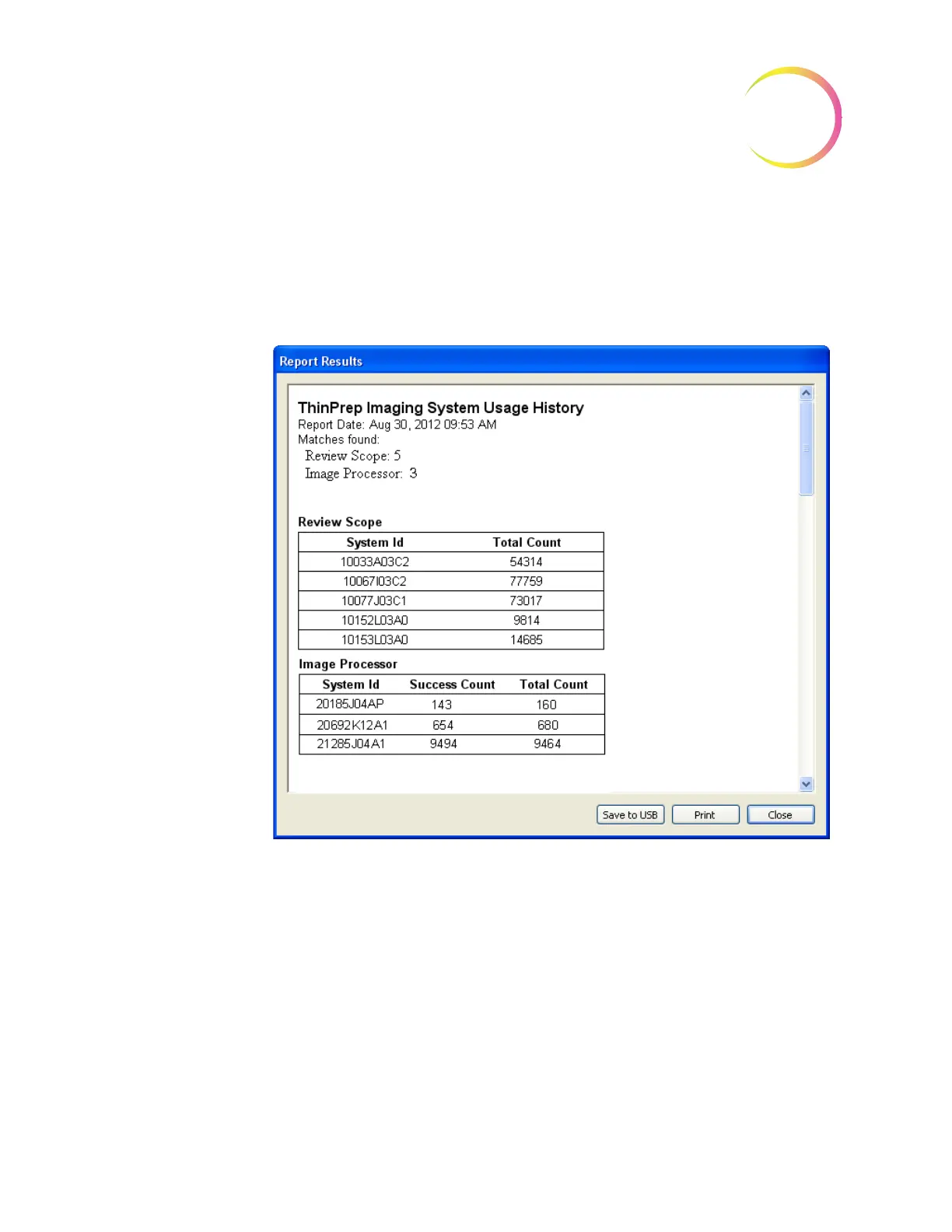
Report - ThinPrep Imaging System Usage History
This report displays the usage history of the Review Scopes and Image Proces-
sors connected to a network. The Review Scopes are listed by their serial num-
bers; the Image Processors are listed by their System IDs. The report is a tally of
all slides processed to date. (See Figure 4-55.)
Figure 4-55 System Usage History Report
Click on the
Print
button to print the report. Click on the
Save to USB
button to
save the report to a USB key, or the report may be saved the NAS drive (if your
system is configured with H
net
). Click on the
Close
button to return to the Logs
Selection menu.












 To Next Page