OPERATION OF THE SOFTWARE MENU
Imager Duo Operator’s Manual
4.59
Select the desired options that are available and then click the
Apply
button.
The
Reset
button will reset all settings to the default.
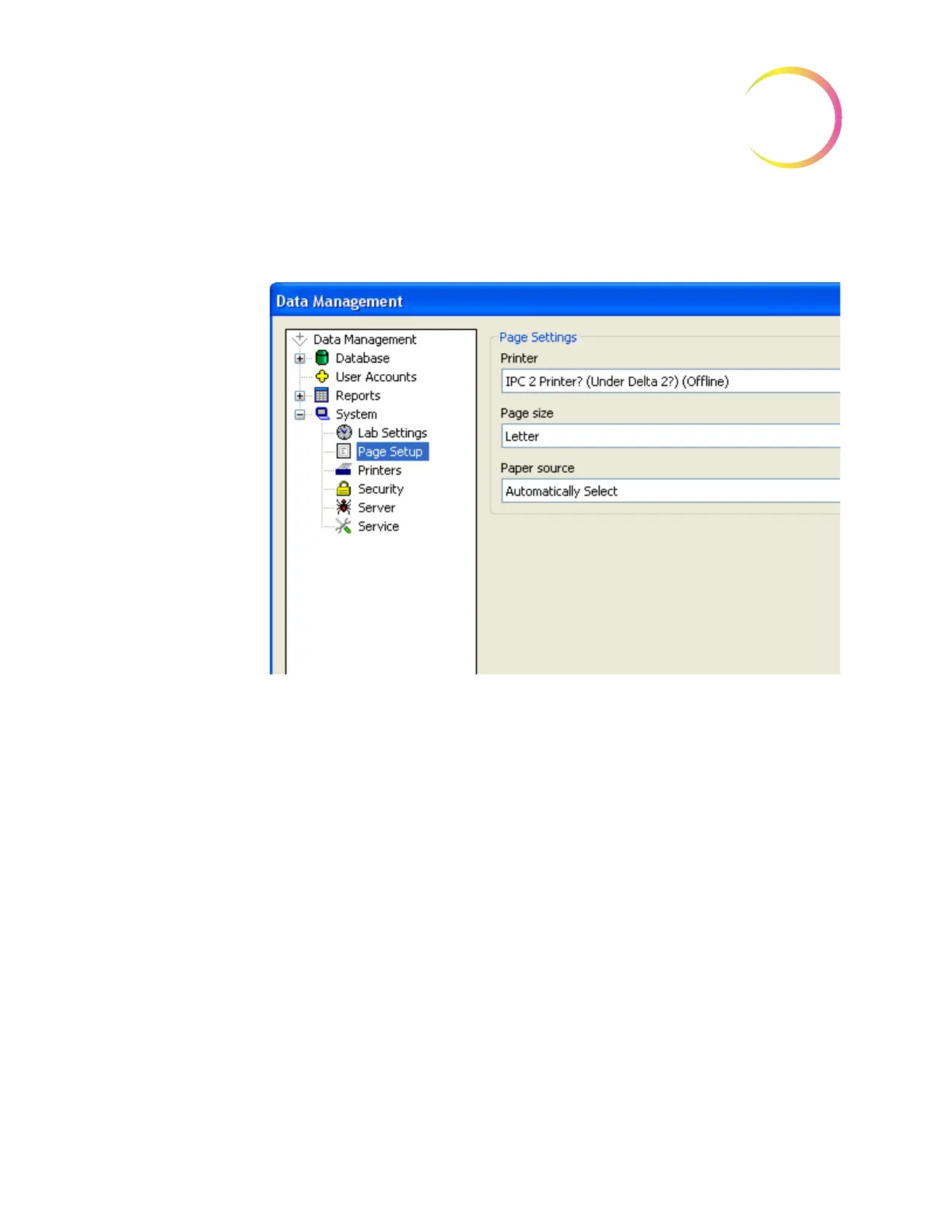
Figure 4-76 Page Setup Window
Printer
- the drop down list will display all printers that are available to you.
Select which printer to use by clicking on it to highlight it. Any printed material
will output on that printer.
Page size
- the drop down list will display the page sizes the selected printer
can accommodate. Select the desired page size by clicking on it to highlight it.
Paper source
- the drop down list will display the paper trays the printer has.
Usually the default is ‘autoselect’.
System - Printers
The printers window allows the operator to locate what printers are on the
network and then install them, so that they will be available when generat-
ing reports or other print activities. (See Figure 4-77.)












 To Next Page