OPERATION OF THE SOFTWARE MENU
4.66
Imager Duo Operator’s Manual
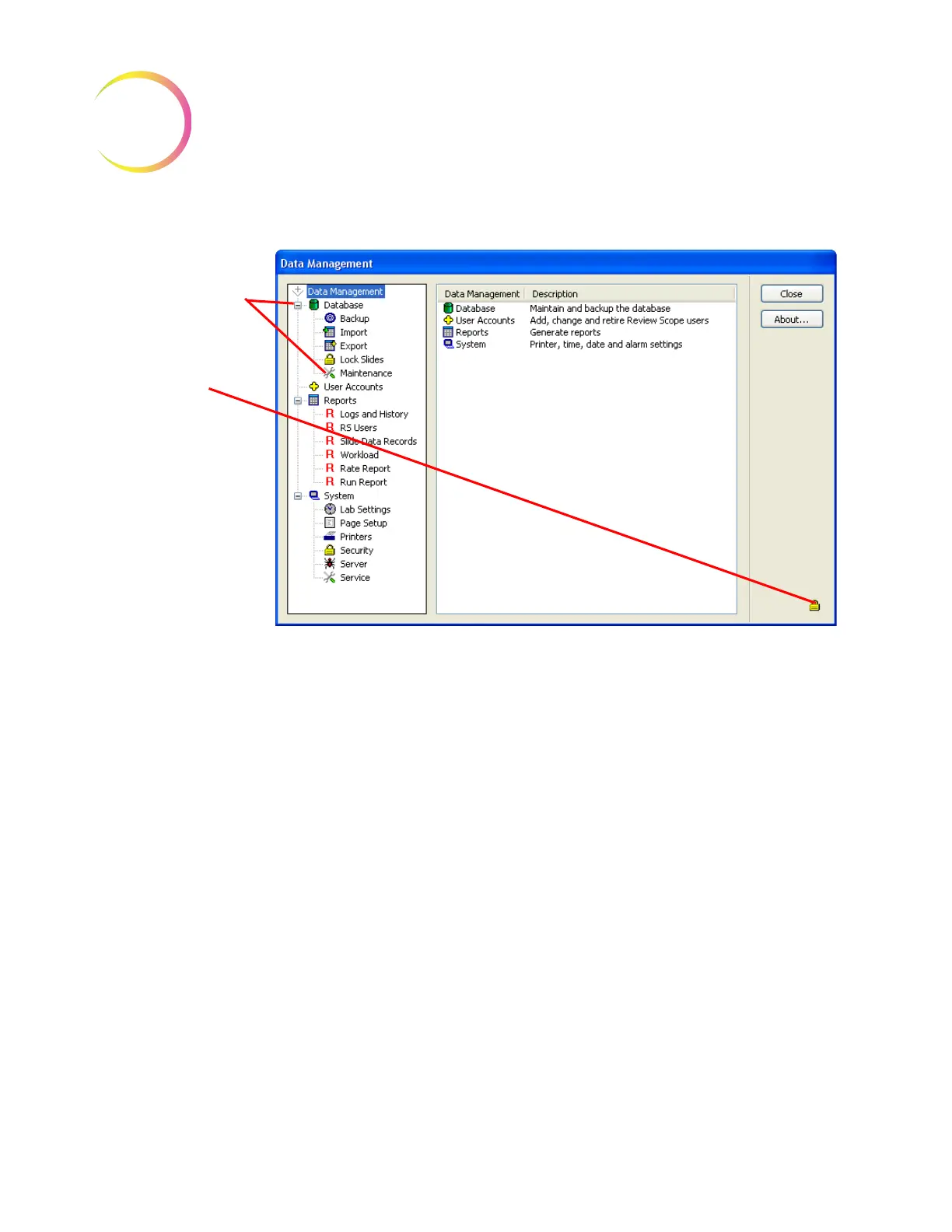
Figure 4-85 Administrative Access Mode
Administrative work can be done in any area of the Data Management pro-
gram. To exit the access mode, click on the
Close
button at the upper right of the
data management window. When Data Management is opened again, security
will be enabled.
When a password
has been validated,
access to restricted
data is restored and
a lock icon appears
in the lower right, to
indicate administra-
tive access is
applied.












 To Next Page