OPERATION OF THE IMAGER DUO
3.16
Imager Duo Operator’s Manual
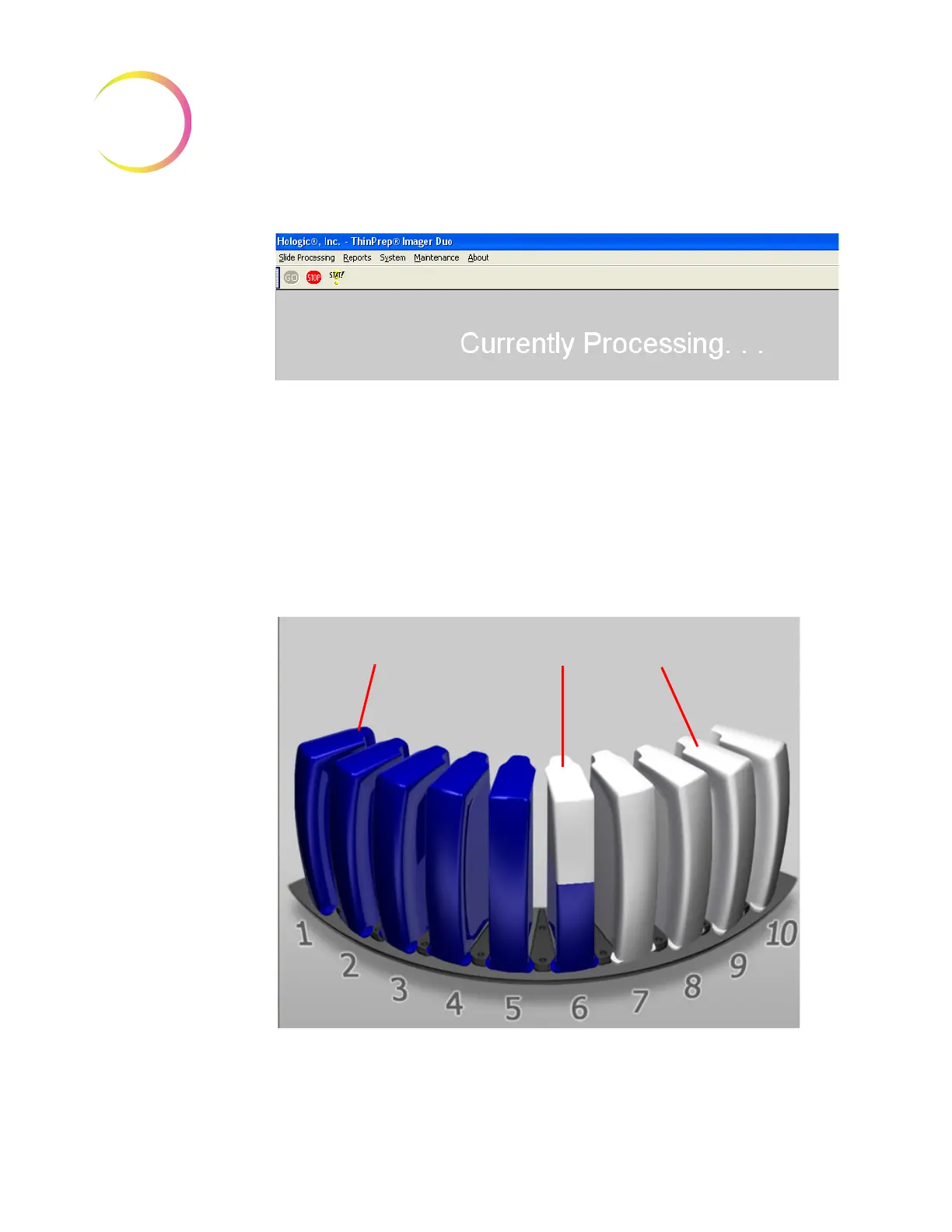
Figure 3-17 Slide Processing in Progress
At the start of every batch and at the completion of each slide cassette, the sys-
tem’s internal Verification slide is processed. This checks that the slide imaging
system is functioning properly.
During Slide Processing
As slides are processed, the color of the cassette graphic on the monitor changes
from gray to blue to represent how much progress has been made cassette by
cassette within the batch. (Refer to Figure 3-18.)
Figure 3-18 Slide Cassette Imaging Status (Example)
Slide Imaging
Complete
Slide Imaging
In Process
Slide Imaging
Not Started












 To Next Page