www.honeywell.com/security
198 | Performance Series Network Video Recorder User Guide
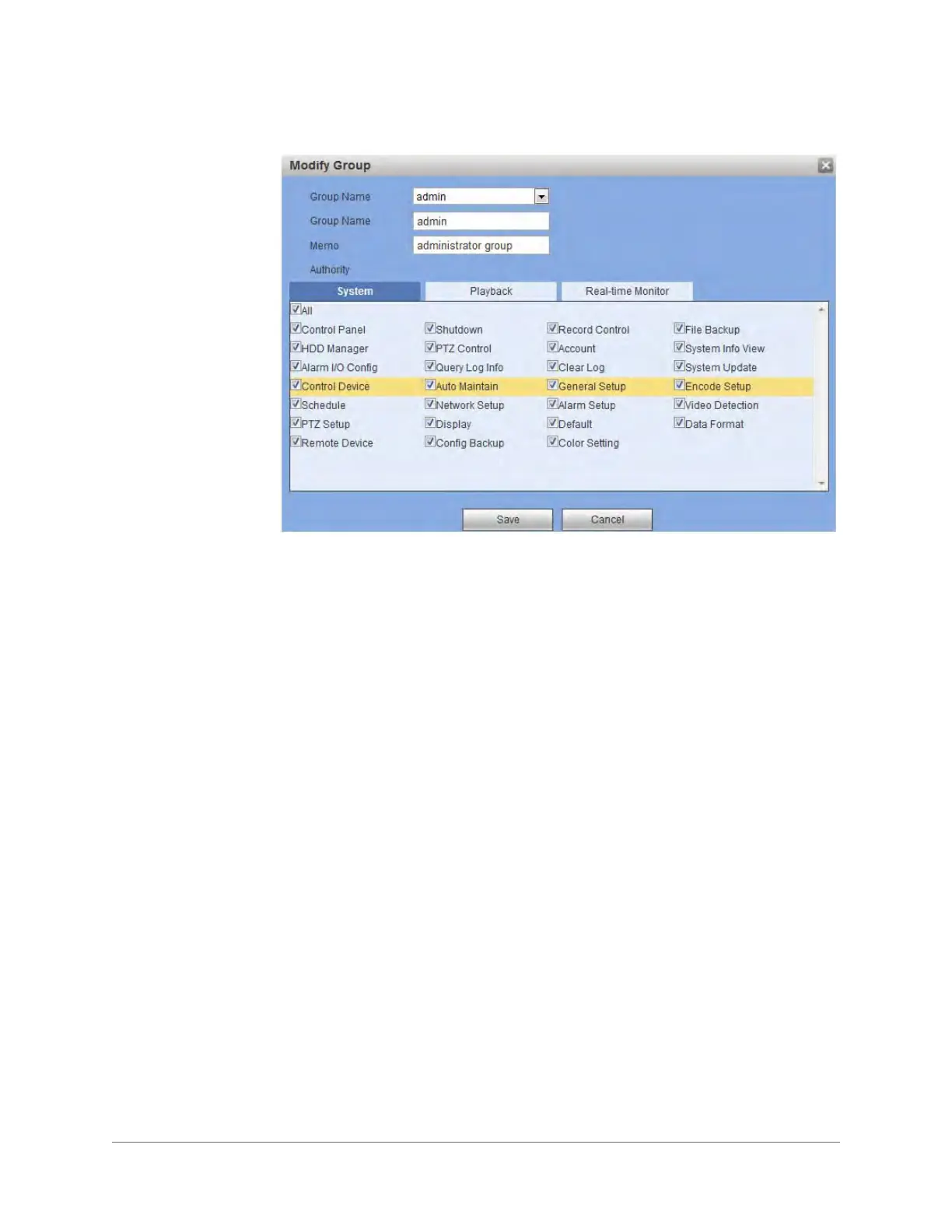
Figure 5-64 Modify Group Configuration Interface
2. Modify the Group privileges, then click Save to save the changes.
Configuring Display Settings
Click Display in the General settings configuration interface to open the GUI settings
configuration interface.



 To Next Page
 Loading...