SPYDER MODEL 5 ENGINEERING TOOL – USER GUIDE
31-00282ES-01 16
Creating CIPer Model 50 Station
For detailed information on standard Niagara techniques and functions, please refer to the Niagara online
documentation and/or the CIPer Model 50 Controller User Guide: 31-00198-01.
Procedure
1. Open the platform on the PC.
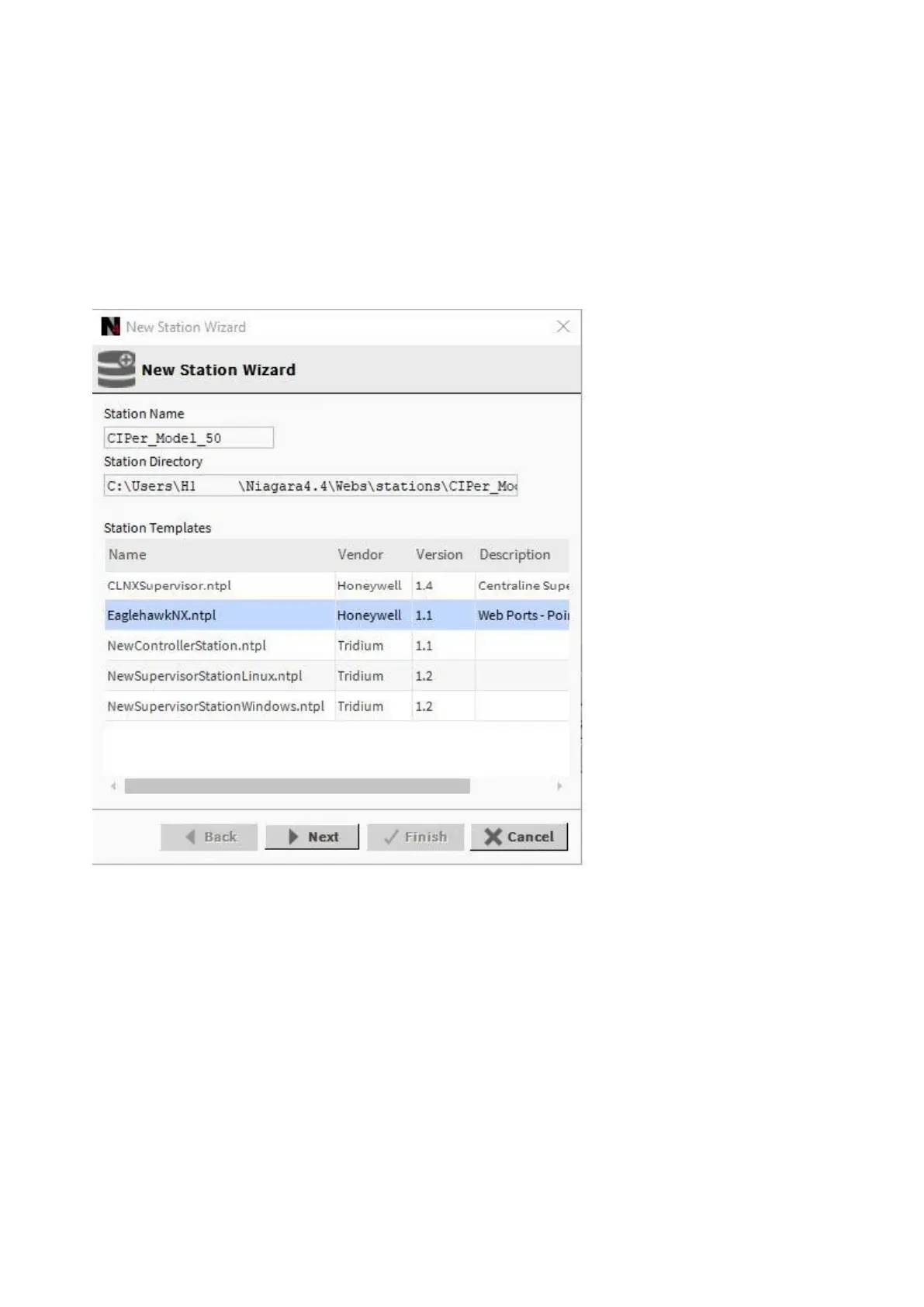
2. Start creating the station using the New Station Wizard.
3. In the New Station Wizard dialog, select the ´EaglehawkNX.ntpl` template.
4. Continue with creating the station (standard Niagara procedure).


 To Next Page
 Loading...