UV-Scan
20 #03592DE-EN c
8. Measurement positions
Up to 100 measurement positions can be saved in the UV-Scan. Every
measured value can be assigned to a measurement position. This has the
following advantages when using the device:
All measurement settings (strip type, reference value) are automati-
cally preset when the measurement position is selected
The display shows the name of the measurement position, for easier
reference
For each measurement position, a comment can be saved which pro-
vides the user with additional information (e.g. lamp capacity to be set,
speed etc.)
Every measured value can be matched to a particular measurement
position or lamp. If the measured value memory is used, a differenti-
ated evaluation option is possible for each individual measurement
point (e.g. graphic presentation of lamp ageing of various measure-
ment positions).
NOTE
For simple configuration of all measurement points, we
recommend that the optional PC software used; how-
ever, configuration can also be carried out at the device
itself.
8.1. Setting the measurement positions
If a measured value is to be matched to a particular measurement position,
this must be selected before the strip is inserted. All the settings for this
measurement position 8strip type, reference value, comments) are then
automatically preset.
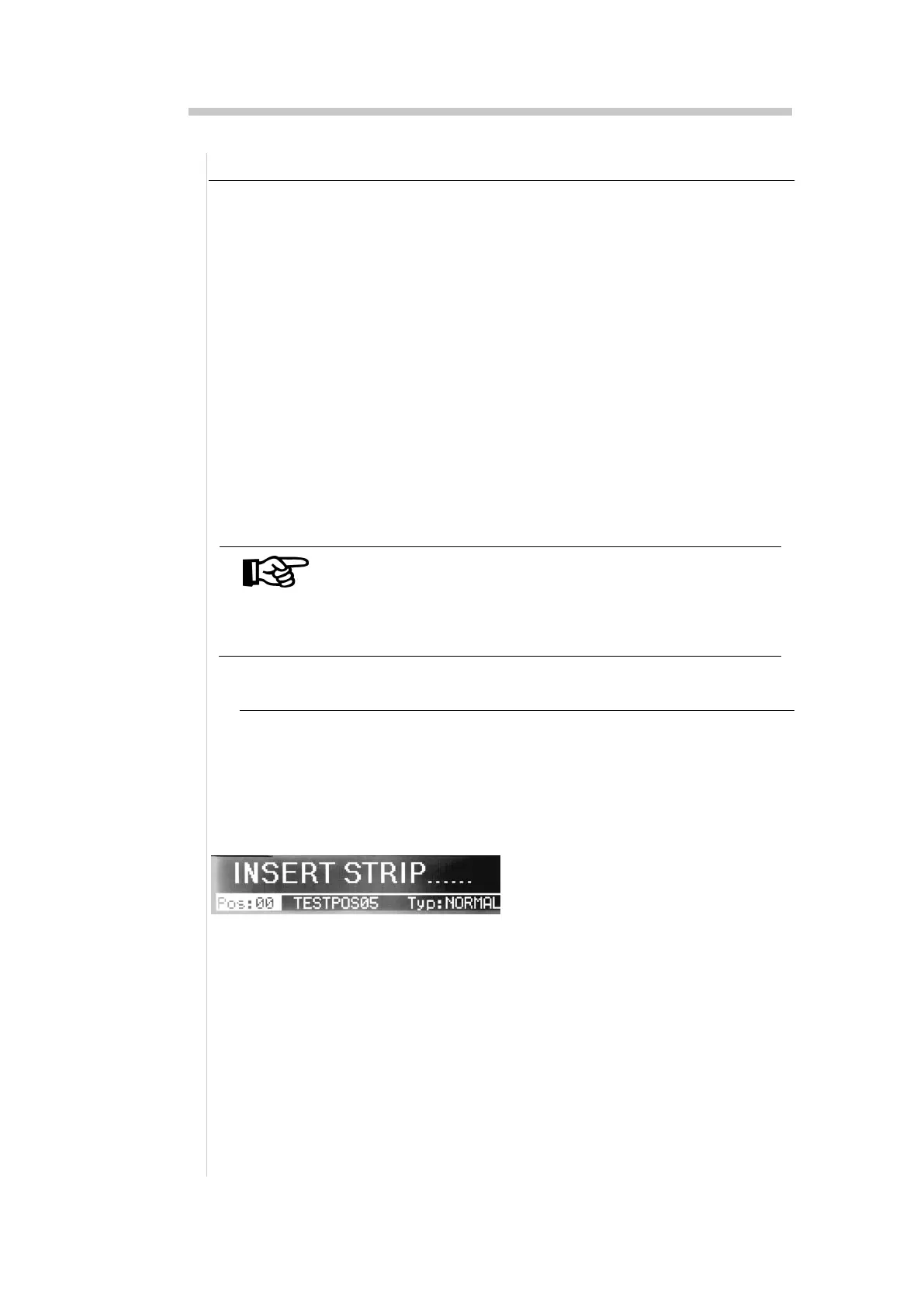
Using the cursor keys, select the field
"Pos" and set the new measurement
position.
NOTE
If the wrong strip type is set, the
measurement results obtained will not
be relevant


 To Next Page