UV-Scan
24 #03592DE-EN c
10. Settings
10.1. Setting the date and time
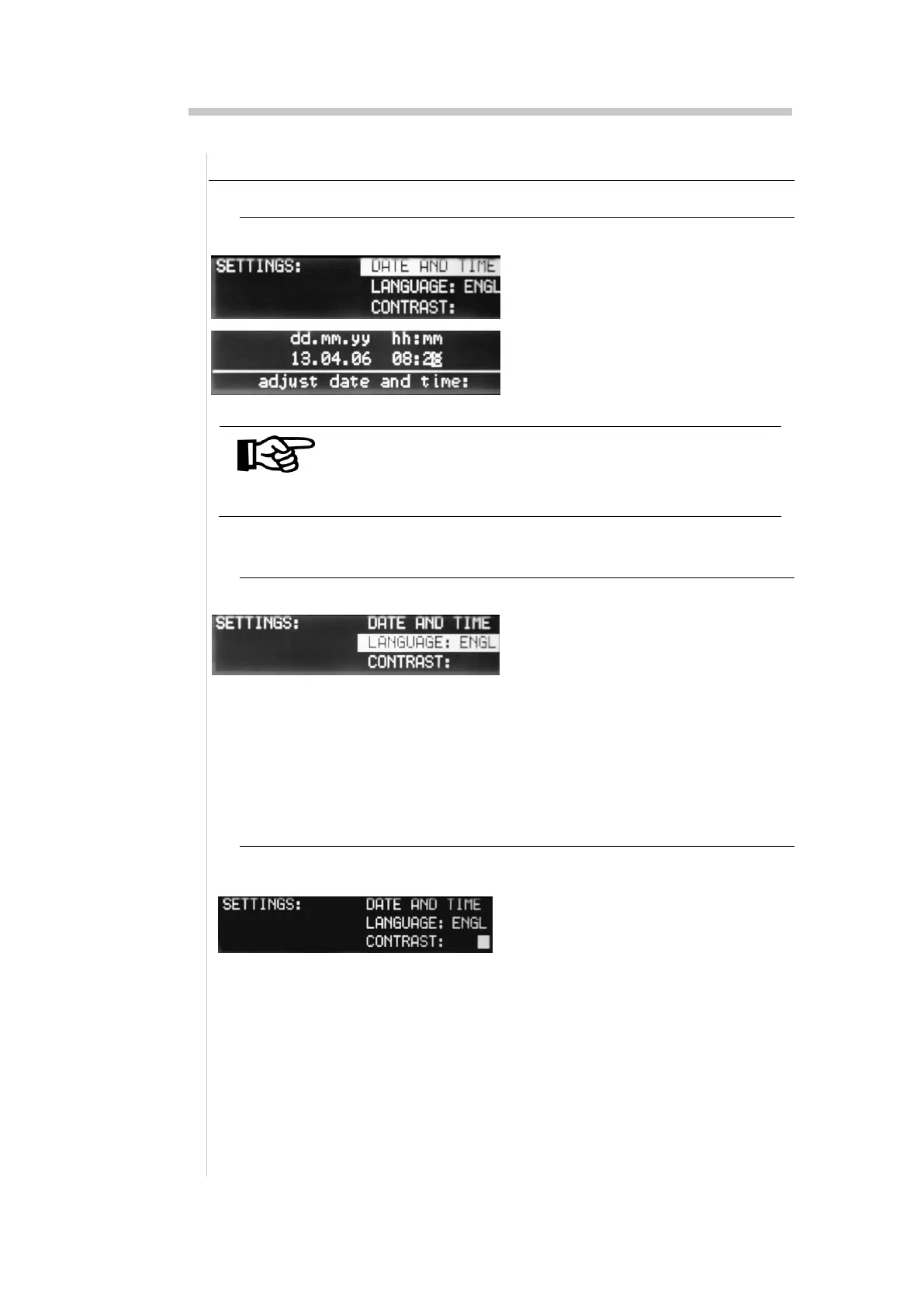
1. Press the "menu" key until the
"Settings" menu is displayed
2. Select the line "Date Time "
3. Set a new date and time using
the cursor keys
NOTE
If an invalid value is entered for the time or date, it will
be impossible to leave the function until valid values
have been entered.
10.2. Setting the language
1. Press the "menu" key until the
"Settings" menu is displayed
2. Select the line "Language"
3. Select the language using the
cursor keys:
DEU=German
ENGL=English
10.3. Setting the contrast
1. Press the "menu" key until the
"Settings" menu is displayed
2. Select the line "Contrast"
3. Set the contrast using the
left/right cursor keys.


 To Next Page