#03592DE-EN c 25
11. Service menu
11.1. Resetting the settings
Using this function, all the settings in the UV-Scan can be returned to the
default factory settings. In addition, the current measurement number is re-
set to 0.
NOTE
This function resets all settings and all date for the
measurement positions and in the measured value
memory will be lost.
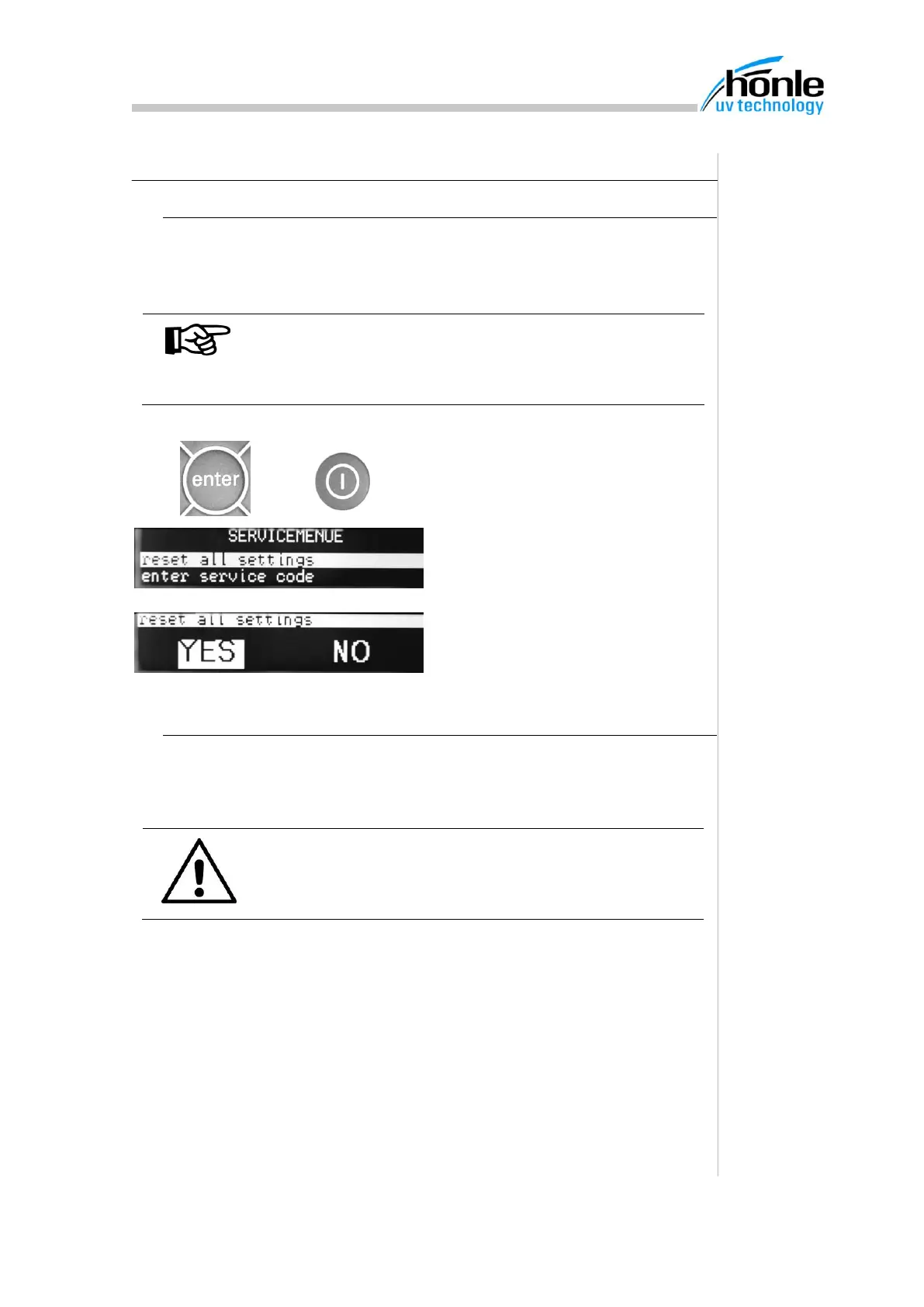
1. Switch device off
2. Hold down the "enter" key and
switch the device on using the
ON/OFF key.
3. The service menu appears
4. Select the line "Reset settings"
5. Using the cursor keys, select
"Yes".
11.2. Entering the service code
The service menu also contains a menu item "Enter service code". This is
reserved for the Hönle Service engineers and may not be used.
ATTENTION
Entering an incorrect service code can lead to malfunc-
tions, which in the worst case render the device unus-
able.


 To Next Page