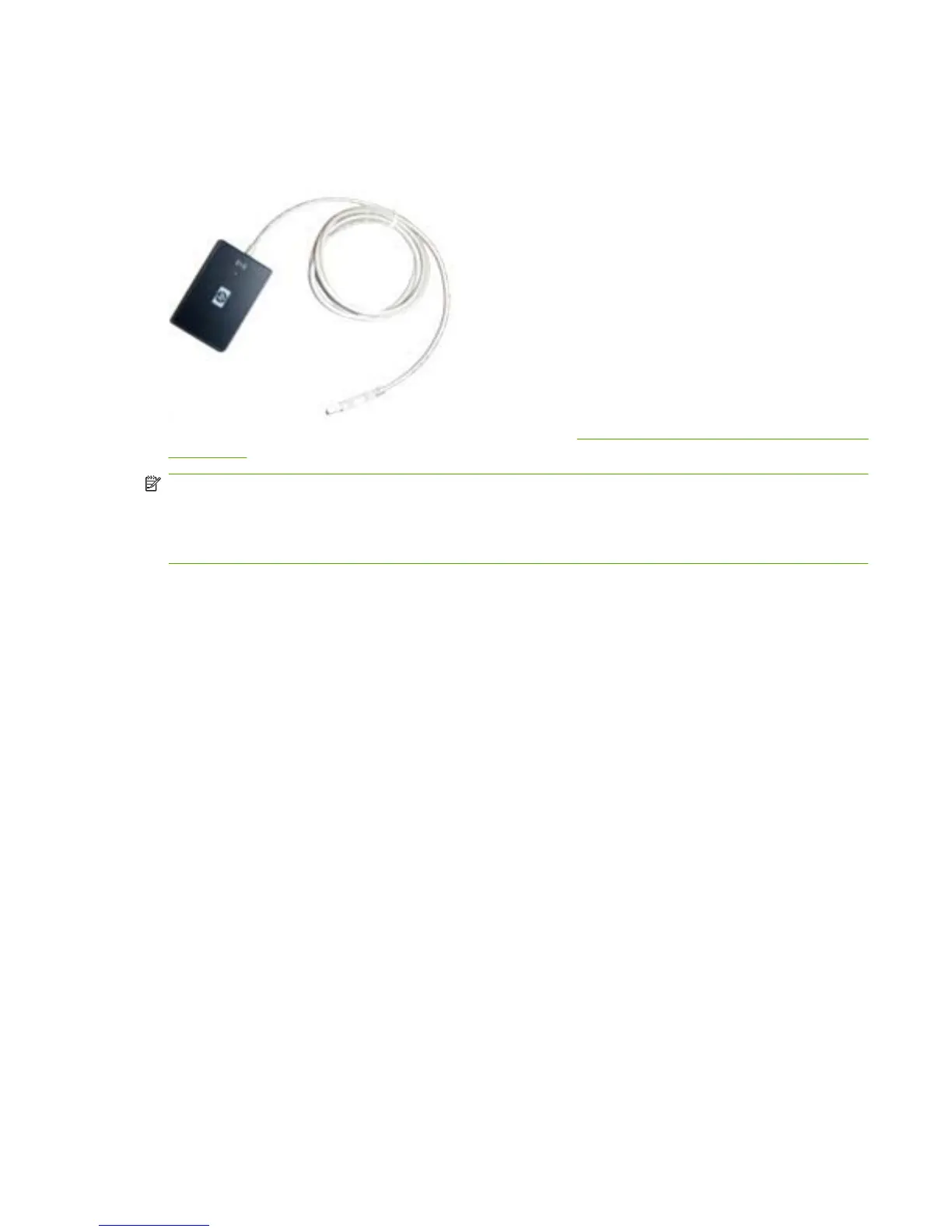
Install USB card reader on external USB port
Most HP devices feature an external type A female USB port that accepts special USB devices, such
as the HPAC USB card reader.
For a list of HP devices that support USB card readers, see HP devices that support USB card readers
on page 42.
NOTE: Connect the card reader to the device before the device is plugged in and the power turned
on. The device does not recognize the card reader if it is plugged in after the device is turned on.
NOTE: If there is a gray sticker covering the external USB port, remove this sticker to install the card
reader.
HP devices generally
To install the USB card reader to an external USB port on HP devices, complete the following steps:
1. Turn off the power to the device.
2. Locate the type A female USB port on the back of the device.
3. Connect the card reader to the USB port.
4. Turn on the power to the device.
HP LaserJet M3035 MFP
To install the USB card reader to an external USB port on the HP LaserJet M3035 MFP, complete the
following steps:
1. Turn off the power to the device.
2. Locate the type A female USB port on the back of the device.
ENWW Install USB card reader on external USB port 3



 To Next Page