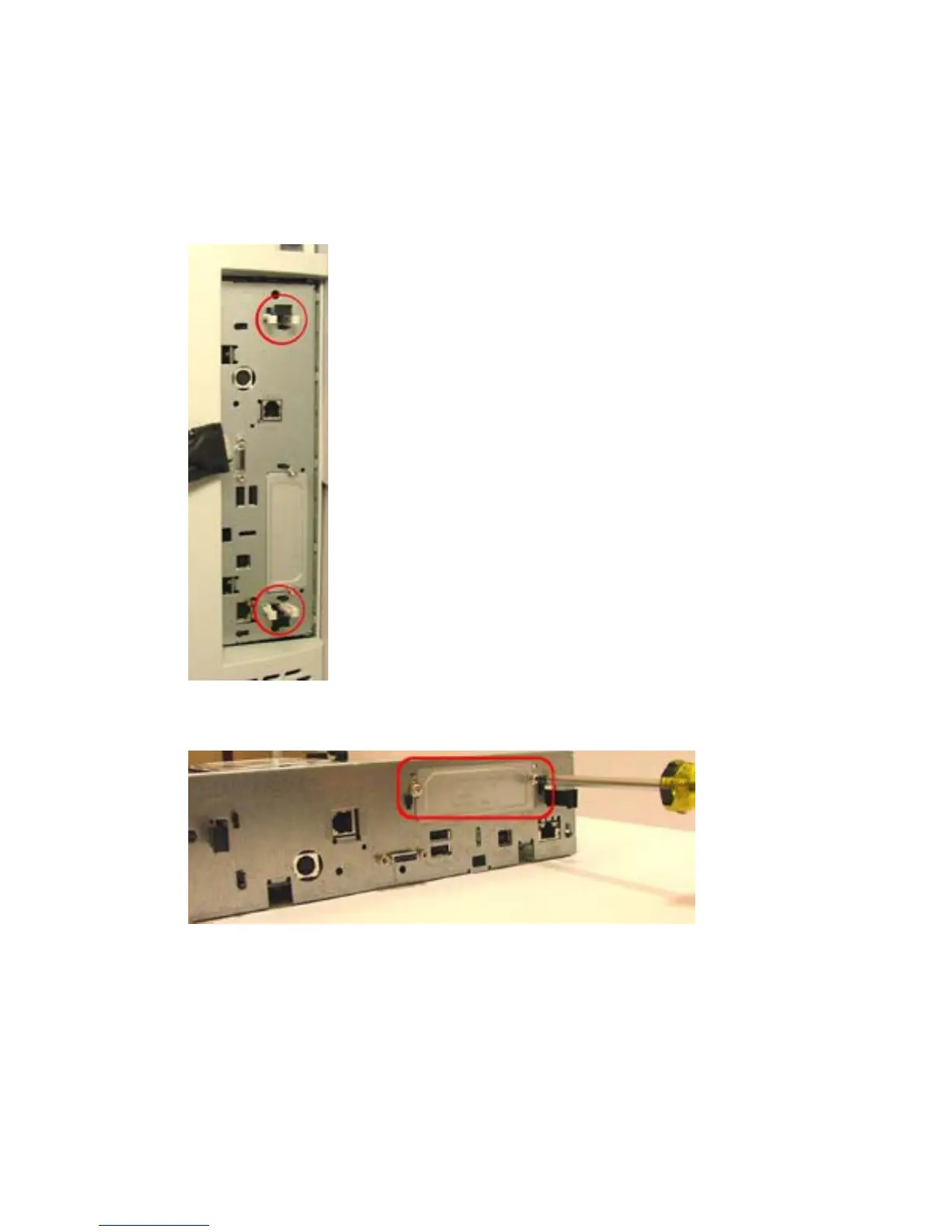
4. Remove the formatter board.
a. Remove the two white clips.
b. Move the black fasteners.
c. Gently pull the formatter board from the device.
Figure 1-15 Remove formatter cover — HP Color LaserJet CM6030/CM6040 MFP
5. Remove the existing EIO plate.
Figure 1-16 Remove EIO plate — HP Color LaserJet CM6030/CM6040 MFP
6. Insert the supplied EIO plate with cable protection. Make sure to route the card reader’s USB cable
through the plate.
16 Chapter 1 External USB card readers ENWW



 To Next Page