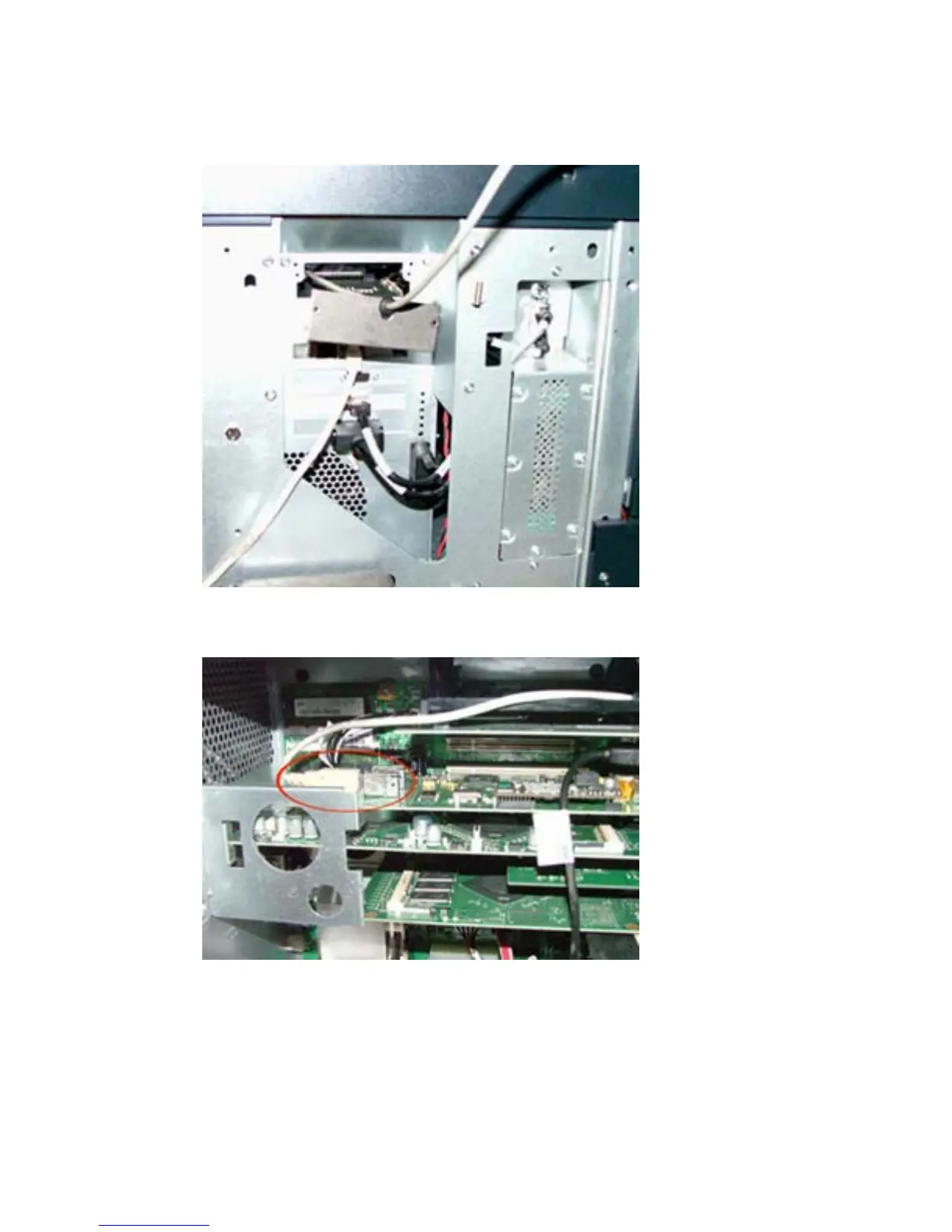
9. Insert the supplied EIO plate with cable protection. Make sure to route the card reader’s USB cable
through the plate.
Figure 1-23 Insert EIO plate — HP CM8050/CM8060 Color MFP
10. Insert the card reader into an unused internal USB port.
Figure 1-24 Insert card reader — HP CM8050/CM8060 Color MFP
11. Replace all of the covers.
12. Connect the power cable to the device.
13. Turn on the power to the device.
ENWW Install USB card reader on internal USB port 21



 To Next Page