HP LaserJet M3035 MFP
To install the USB card reader on an internal USB port on the HP LaserJet M3035 MFP, complete the
following steps:
1. Turn off the power to the device.
2. Disconnect the power cable from the device.
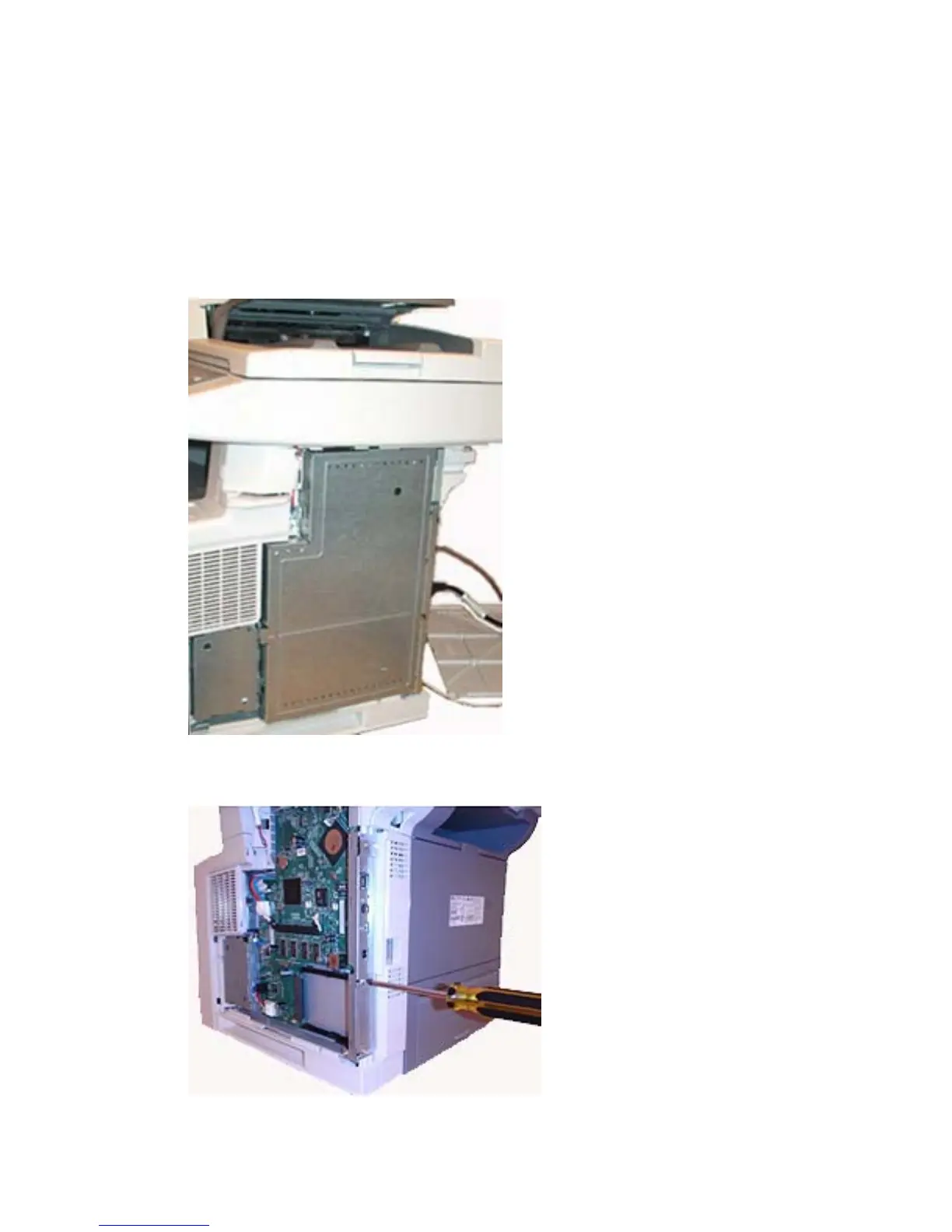
3. Remove the device formatter cover.
Figure 1-8 Remove formatter cover — HP LaserJet M3035 MFP
4. Remove the existing EIO plate.
Figure 1-9 Remove EIO plate — HP LaserJet M3035 MFP
10 Chapter 1 External USB card readers ENWW



 To Next Page