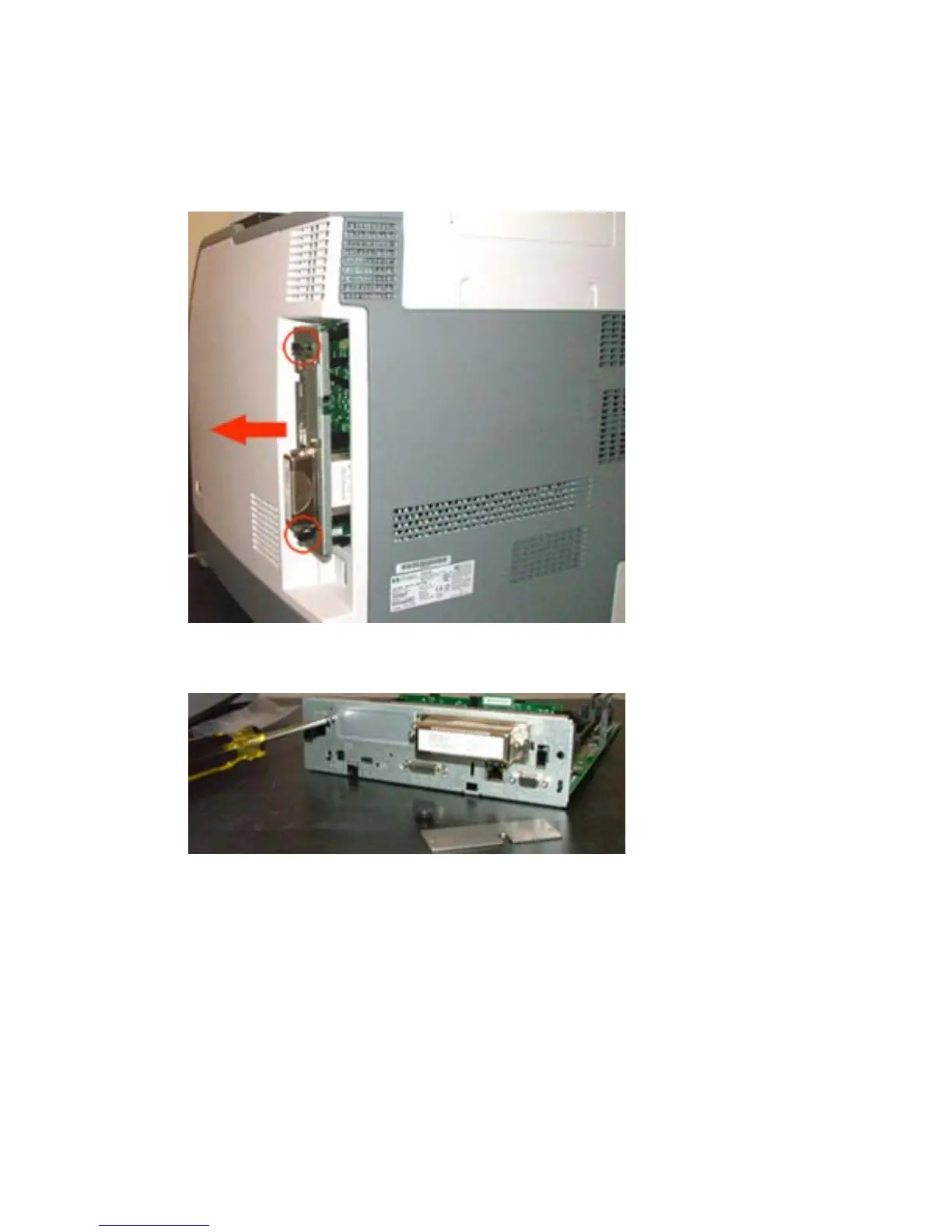
3. Remove the device formatter board.
a. Move the black fasteners on the formatter board.
b. Gently pull the board from the device.
Figure 2-2 Remove formatter board
4. Remove the existing EIO plate.
Figure 2-3 Remove EIO plate
28 Chapter 2 External Compact Flash card readers ENWW



 To Next Page