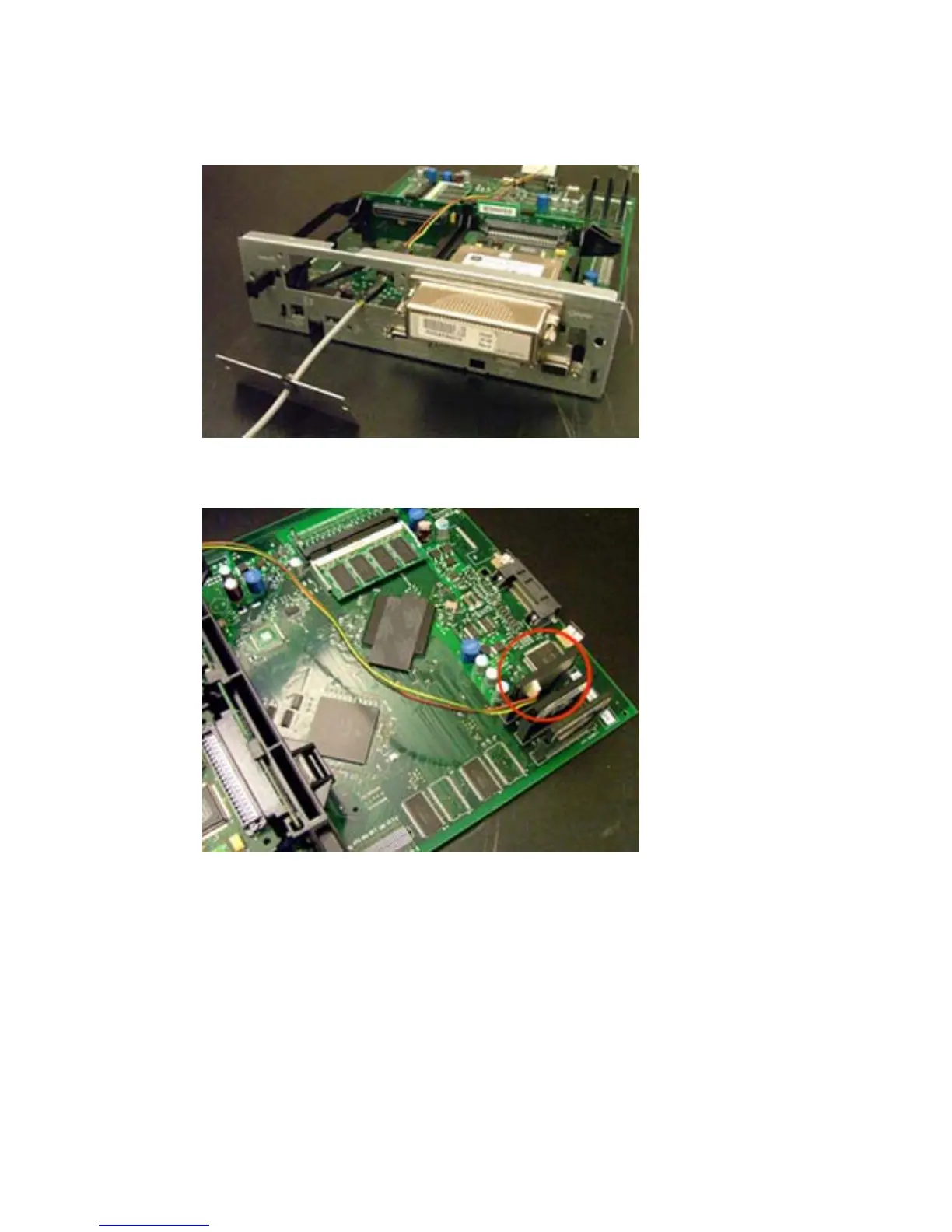
5. Insert the supplied EIO plate with cable protection. Make sure to route the card reader’s cable
through the plate.
Figure 2-4 EIO plate with Compact Flash cable
6. Insert the card reader into an unused internal Compact Flash slot.
Figure 2-5 Insert card reader
7. Insert the formatter board back into the device.
ENWW Install Compact Flash card reader 29



 To Next Page