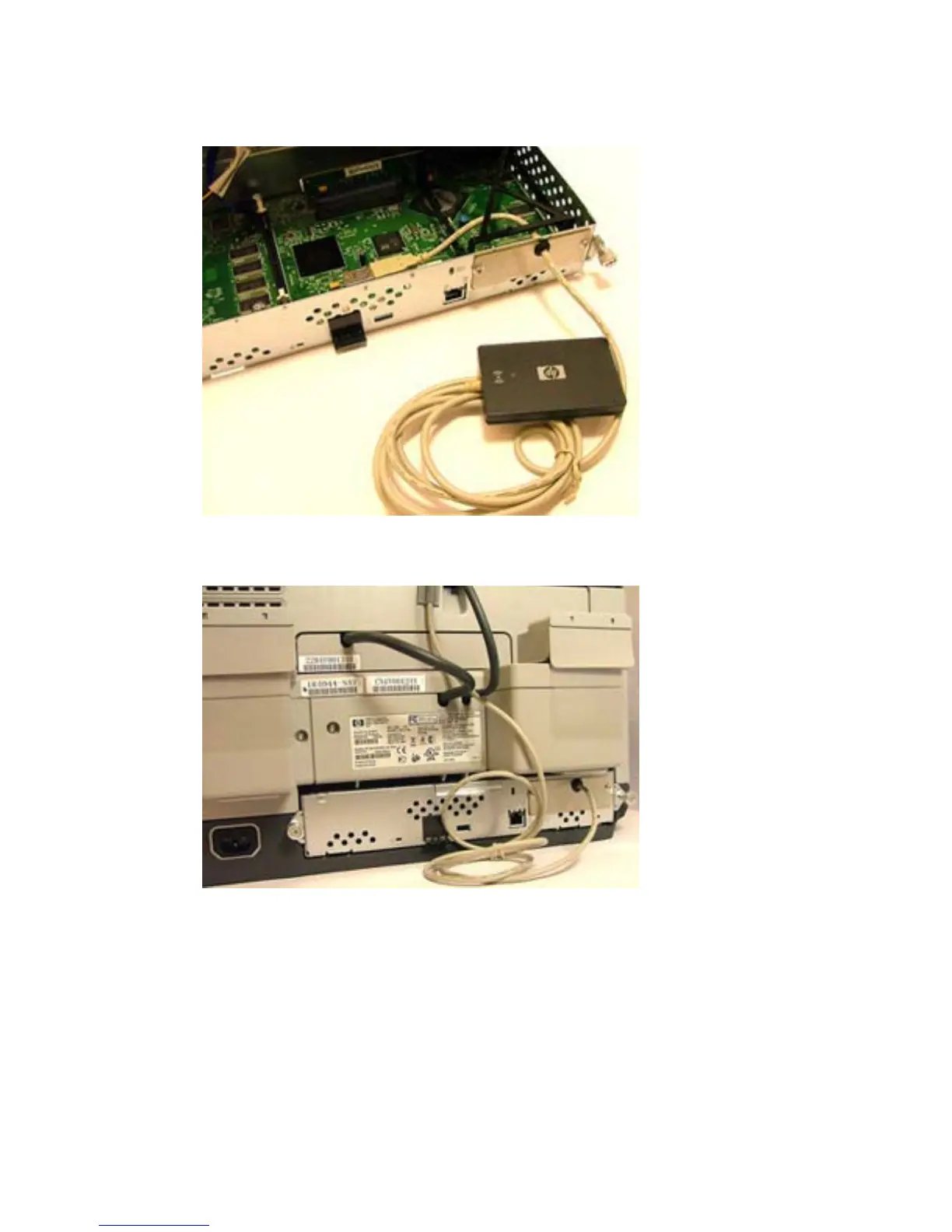
7. Insert the card reader into an unused internal USB port.
Figure 1-27 Internal USB port — HP Digital Sender 9250c
8. Replace the formatter board.
Figure 1-28 Replace the formatter board — HP Digital Sender 9250c
9. Connect the power cable to the device.
10. Turn on the power to the device.
ENWW Install USB card reader on internal USB port 23



 To Next Page