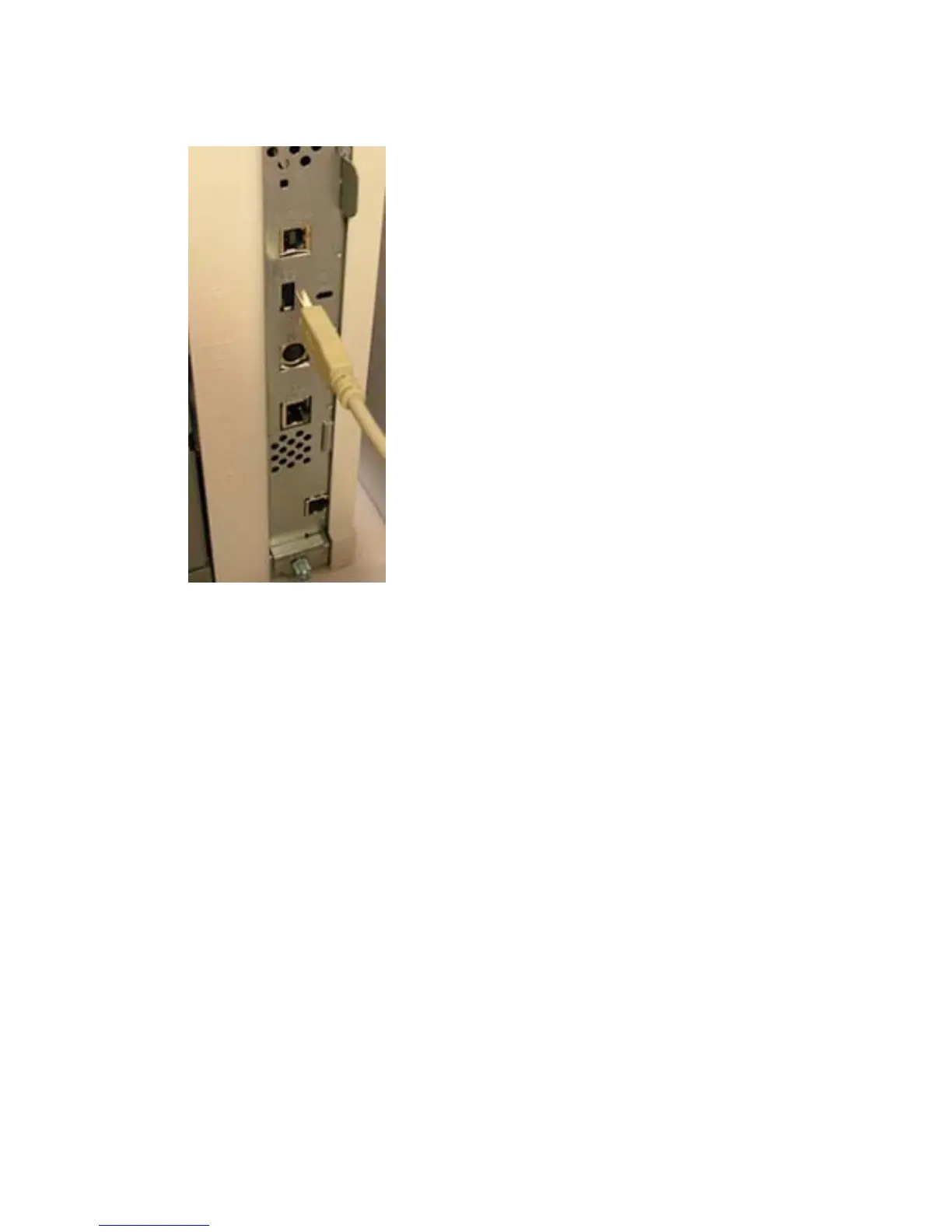
3. Connect the card reader to the USB port.
Figure 1-3 External USB port — HP LaserJet M5035 MFP
4. Turn on the power to the device.
HP Color LaserJet CM6030/CM6040 MFP
To install the USB card reader to an external USB port on the HP Color LaserJet CM6030 MFP or HP
Color LaserJet CM6040 MFP, complete the following steps:
1. Turn off the power to the device.
2. Locate the type A female USB port on the back of the device.
6 Chapter 1 External USB card readers ENWW



 To Next Page