Configuration page
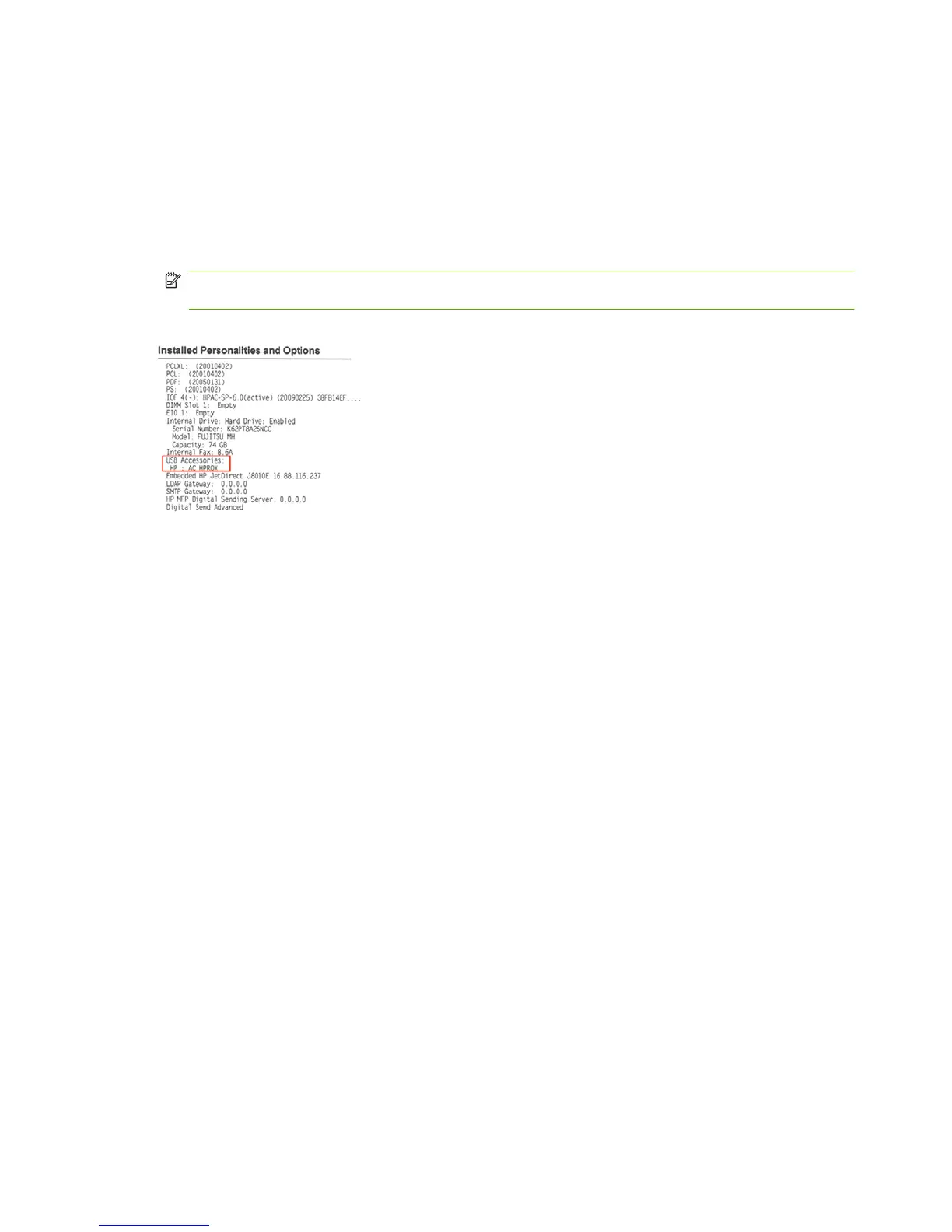
To verify that an HPAC card reader is installed, check the configuration page of the device using the
following steps:
1. Print a configuration page from the HP device. See the device user manuals for instructions specific
to your device.
2. Verify that the HPAC card reader is listed under USB Accessories as AC HPROX.
NOTE: If the card reader is not listed, turn off the power to the device, and then turn on the power.
If the reader is still not listed, please contact support.
Figure 4-1 Sample configuration page
38 Chapter 4 Verify card reader installation ENWW



 To Next Page