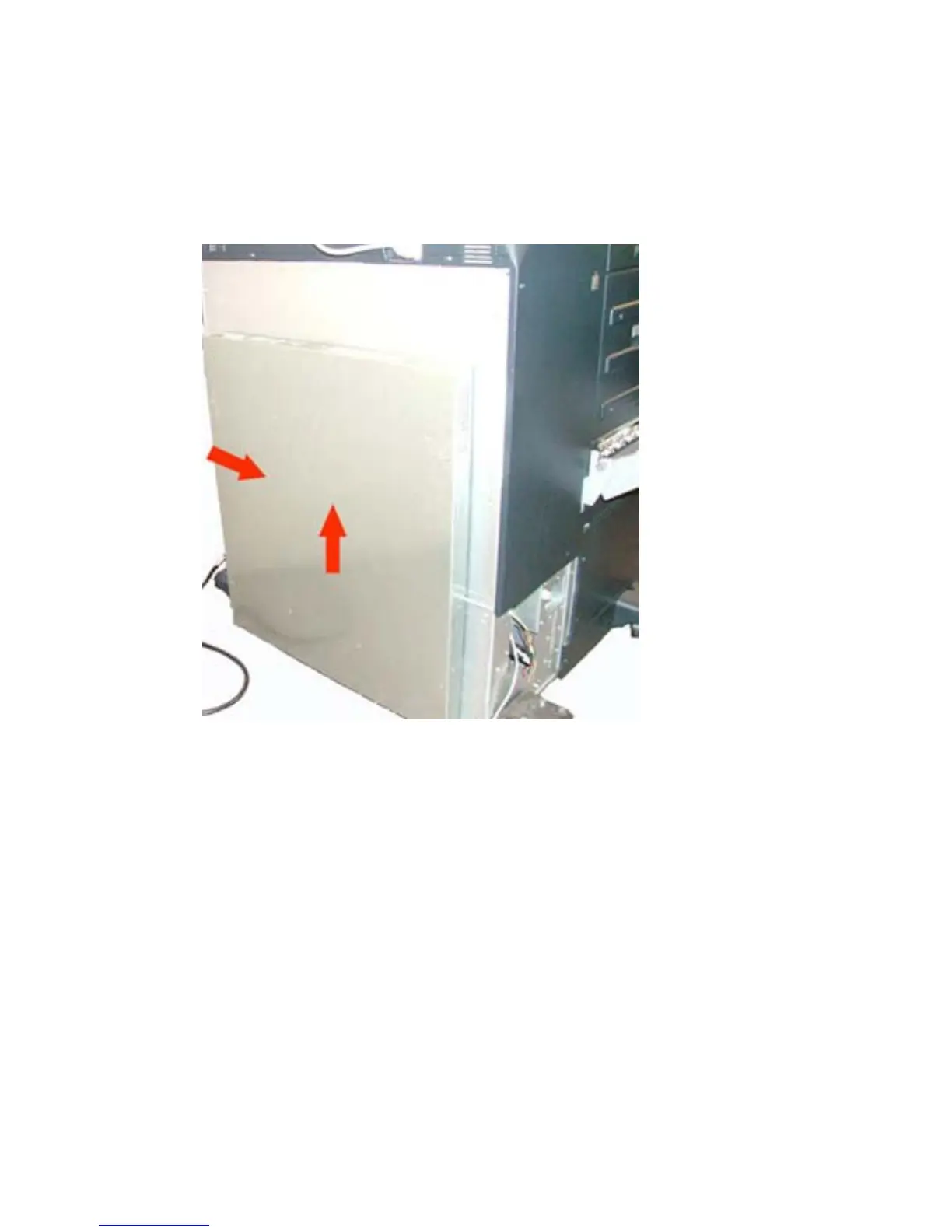
4. Remove the muffler on the back of the device.
a. Loosen one screw.
b. Flip down the side latch.
c. Lift up on the muffler.
Figure 1-20 Remove muffler — HP CM8050/CM8060 Color MFP
5. Lift up the fabric cover.
ENWW Install USB card reader on internal USB port 19



 To Next Page