Install Compact Flash card reader
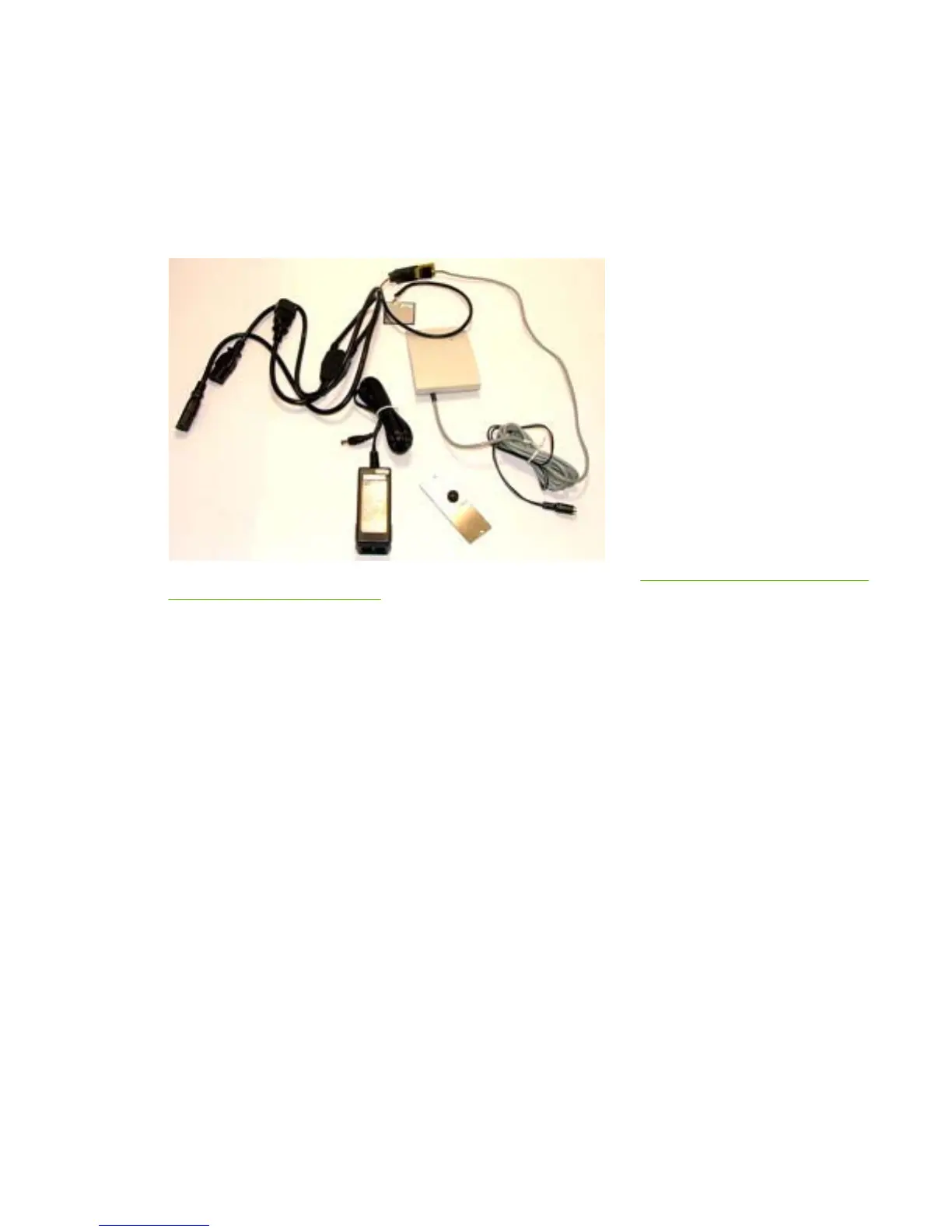
Some HP devices feature a Compact Flash slot that accepts Compact Flash devices, such as the HPAC
Compact Flash card reader.
To install the Compact Flash card reader on an internal Compact Flash slot, use the supplied EIO plate
with the card reader's cable routed through the plate.
Figure 2-1 Compact Flash reader
For a list of HP devices that support Compact Flash card readers, see HP devices that support Compact
Flash card readers on page 43.
HP devices generally
To install the Compact Flash card reader on an internal Compact Flash slot on HP devices, complete
the following steps:
1. Turn off the power to the device.
2. Disconnect the power cable from the device.
ENWW Install Compact Flash card reader 27



 To Next Page