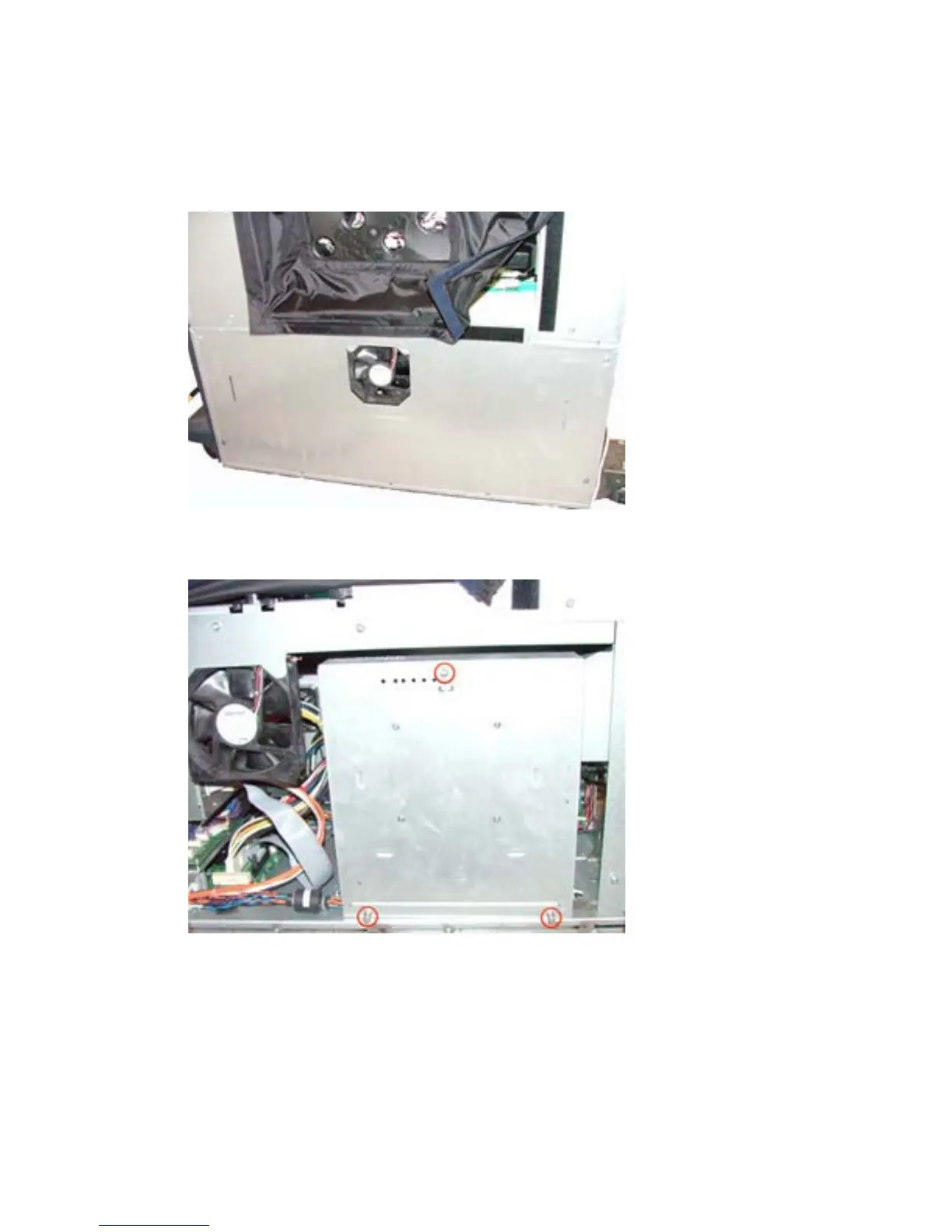
6. Remove the electronics bay cover.
a. Loosen all of the screws.
b. Lift up on the cover.
Figure 1-21 Remove electronics bay cover — HP CM8050/CM8060 Color MFP
7. Remove the formatter cover by loosening three screws.
Figure 1-22 Remove formatter cover — HP CM8050/CM8060 Color MFP
8. Remove the existing EIO plate.
20 Chapter 1 External USB card readers ENWW



 To Next Page