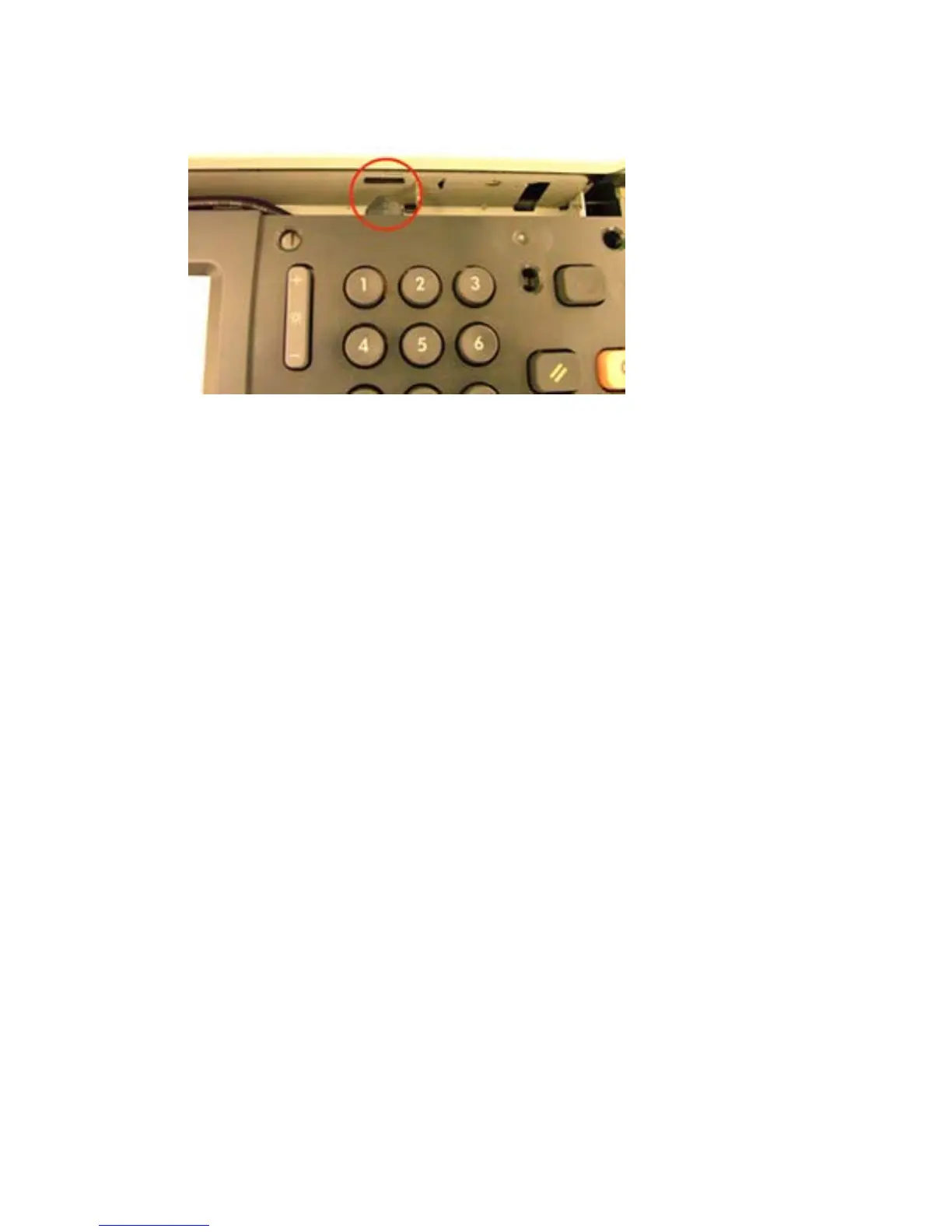
9. Replace the control panel assembly, making sure to align the tabs.
Figure 3-7 Replace assembly — HP Color LaserJet CM3530 MFP
10. Replace the control panel overlay.
11. Connect the power cable to the device.
12. Turn on the power to the device.
36 Chapter 3 Internal Hardware Integration Pocket (HIP) card readers ENWW



 To Next Page