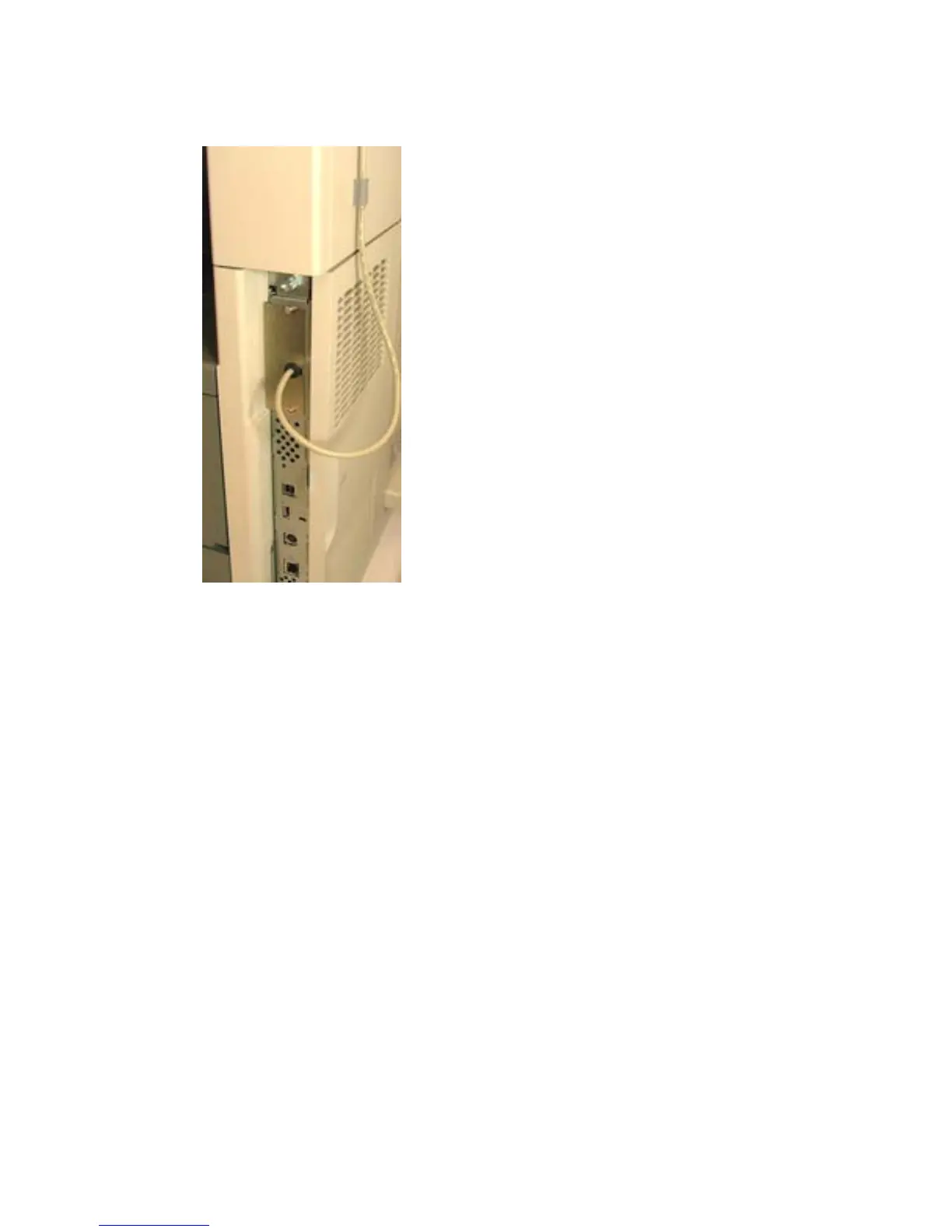
9. Replace the device formatter cover.
Figure 1-14 Replace the cover — HP LaserJet M5035 MFP
10. Connect the power cable to the device.
11. Turn on the power to the device.
HP Color LaserJet CM6030/CM6040 MFP
To install the USB card reader on an internal USB port on the HP Color LaserJet CM6030 MFP or HP
Color LaserJet CM6040 MFP, complete the following steps:
1. Turn off the power to the device.
2. Disconnect the power cable from the device.
3. Remove all cables from the formatter board.
ENWW Install USB card reader on internal USB port 15



 To Next Page