Install HIP card reader
Some HP devices feature an internal HIP slot that accepts HPAC HIP card readers.
For a list of HP devices that support HIP card readers, see
HP devices that support HIP card readers
on page 44.
HP Color LaserJet CM3530 MFP
To install the HIP card reader on the HP Color LaserJet CM3530 MFP, complete the following steps:
1. Turn off the power to the device.
2. Disconnect the power cable from the device.
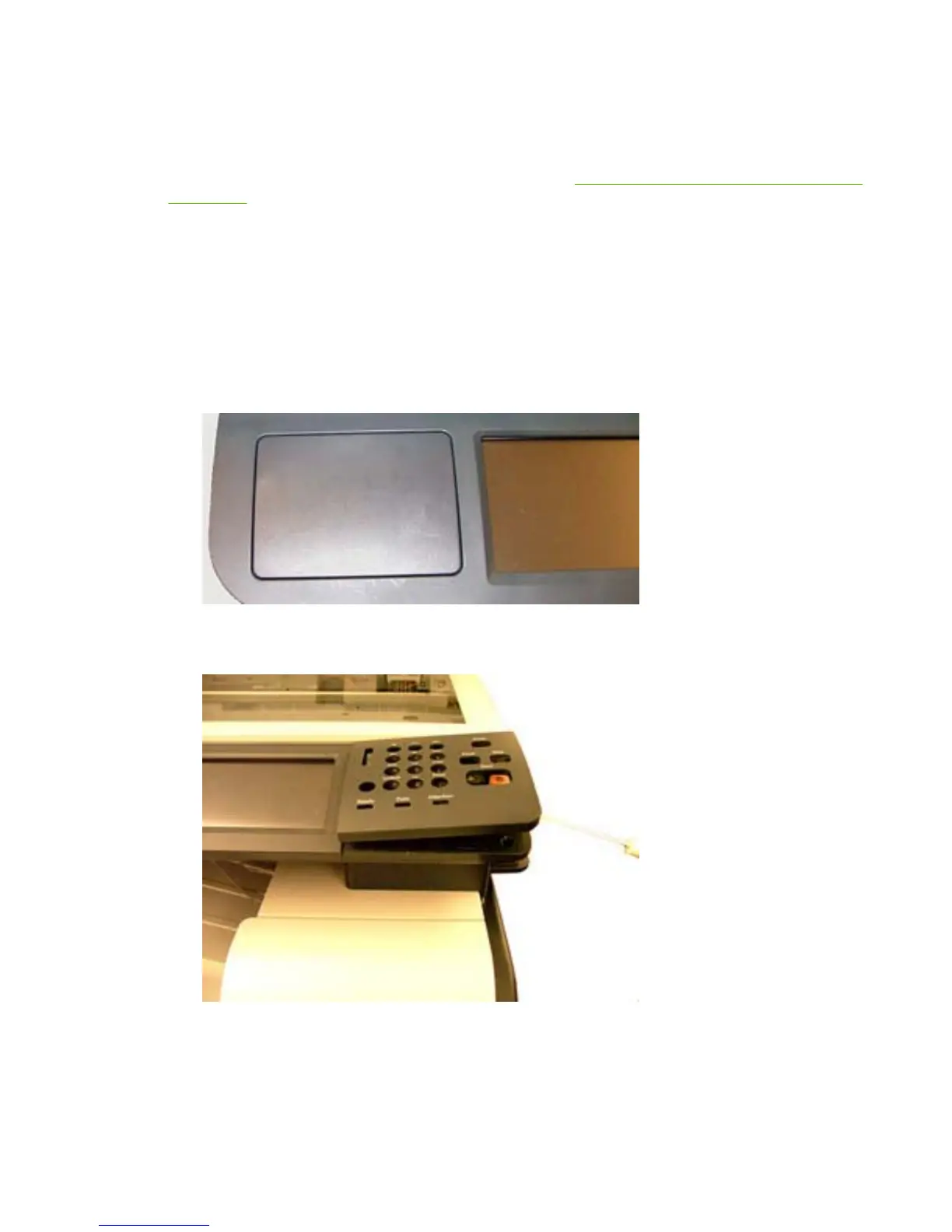
3. Remove the HIP cover on the front of the device (you can use a flathead screwdriver).
Figure 3-1 Remove HIP cover — HP Color LaserJet CM3530 MFP
4. Remove the control panel overlay.
Figure 3-2 Remove control panel overlay — HP Color LaserJet CM3530 MFP
ENWW Install HIP card reader 33



 To Next Page