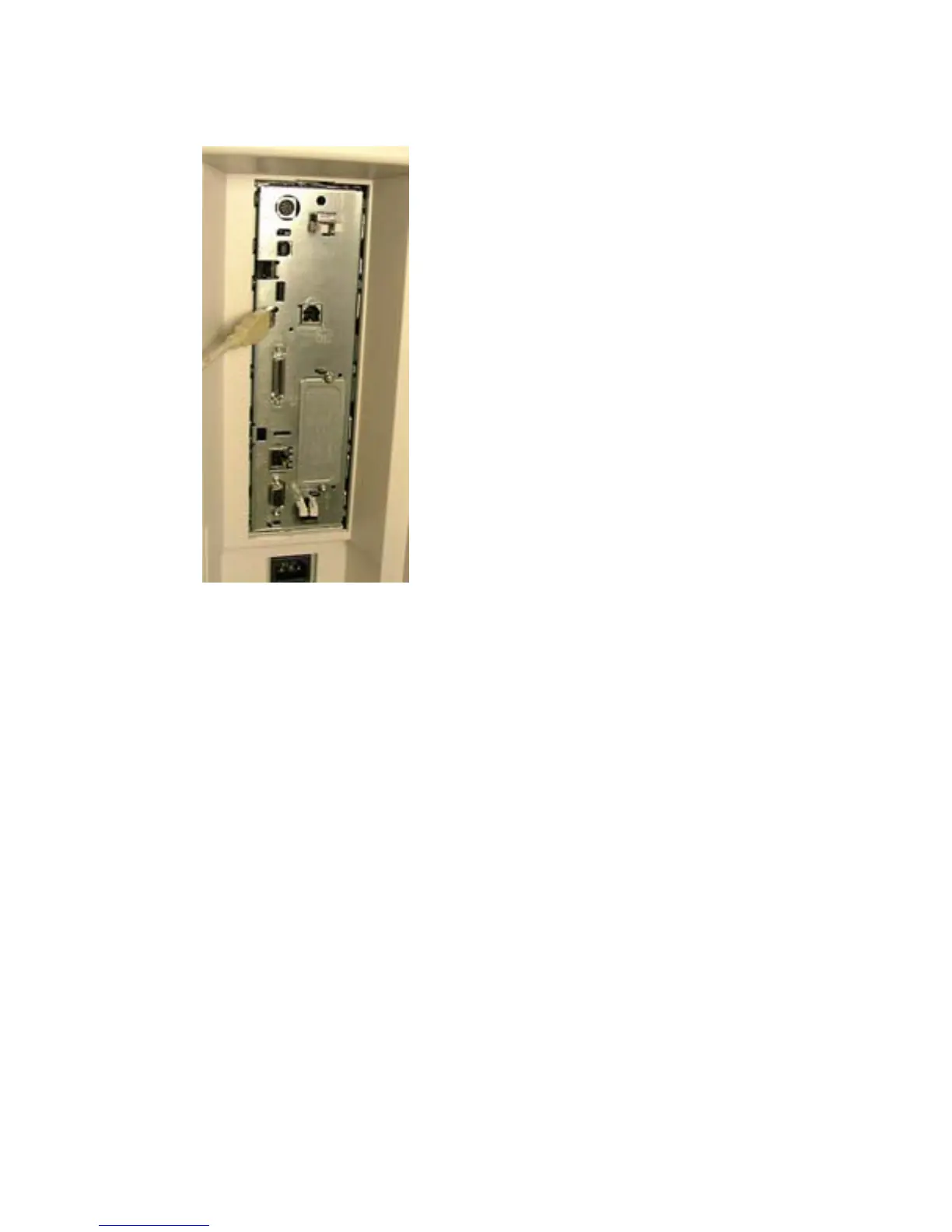
3. Connect the card reader to the USB port.
Figure 1-2 External USB port — HP Color LaserJet 4730/CM4730 MFP
4. Turn on the power to the device.
HP LaserJet M5035 MFP
To install the USB card reader to an external USB port on the HP LaserJet M5035 MFP, complete the
following steps:
1. Turn off the power to the device.
2. Locate the type A female USB port on the back of the device.
ENWW Install USB card reader on external USB port 5



 To Next Page