9. Connect the power cable to the device.
10. Turn on the power to the device.
HP CM8050/CM8060 Color MFP
To install the USB card reader on an internal USB port for the HP CM8050 Color MFP or HP CM8060
Color MFP, complete the following steps:
1. Turn off the power to the device.
2. Disconnect the power cable from the device.
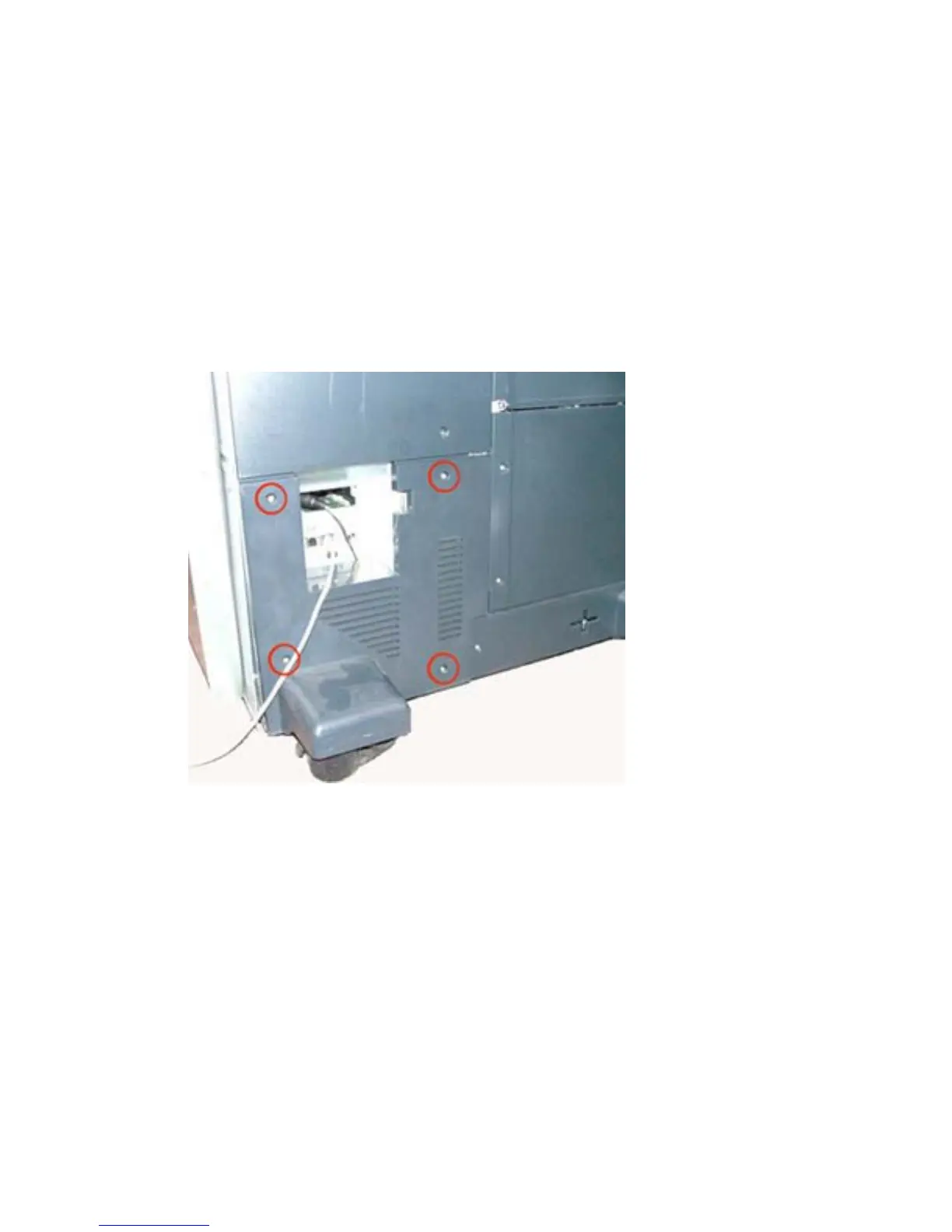
3. Open the lower left cover of the device (next to the back right wheel) by removing the four screws.
Figure 1-19 Remove lower left cover — HP CM8050/CM8060 Color MFP
18 Chapter 1 External USB card readers ENWW



 To Next Page