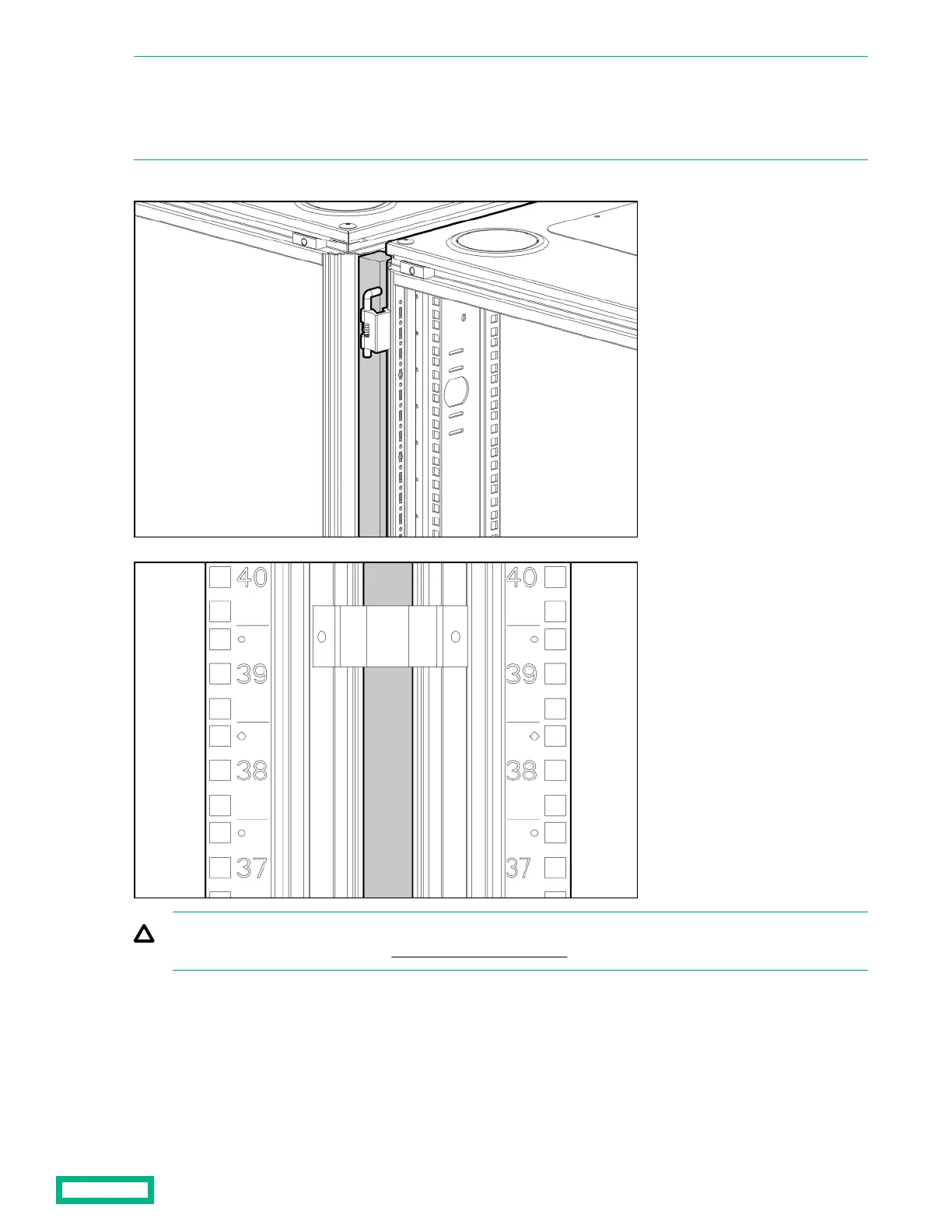
NOTE: If the racks have a baying kit installed, remove the baying bracket before inserting the foam rail gasket. Follow steps
1 through 2 to install the foam rail gasket into a rack that will be bayed using a 24-in. baying bracket.
If the rack uses a 600-mm baying bracket, rotate the foam rail gasket 90 degrees before inserting it into the space between
the racks.
3. Gently push the foam rail gasket into the space between the racks until it is flush with the vertical frame.
CAUTION: The foam rail gasket must be installed into the rack before racks can be bayed together. For additional
information on baying racks, see the HPE Baying Rack Option Kit.
Airflow Optimization kit 12



 To Next Page
 Loading...