Airflow Optimization kit
Kit overview
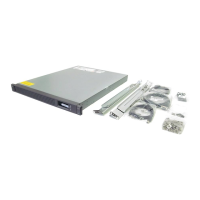
The Airflow Optimization kit enables you to install foam rail gaskets in your 36U, 42U, and 48U 600-mm (24-in) wide racks
and 48U 800-mm (31-in) wide racks to improve separation between hot and cold aisles in the data center.
Kit contents (BW930A)
Item Quantity
Foam rail gasket roll 4
600-mm (24-in) perforated floor gasket
—or—
800-mm (31-in) perforated floor gasket
1
Extra hardware might be included for your convenience.
Required tools (airflow optimization kit)
The following tools are required for installation:
Knife or scissors
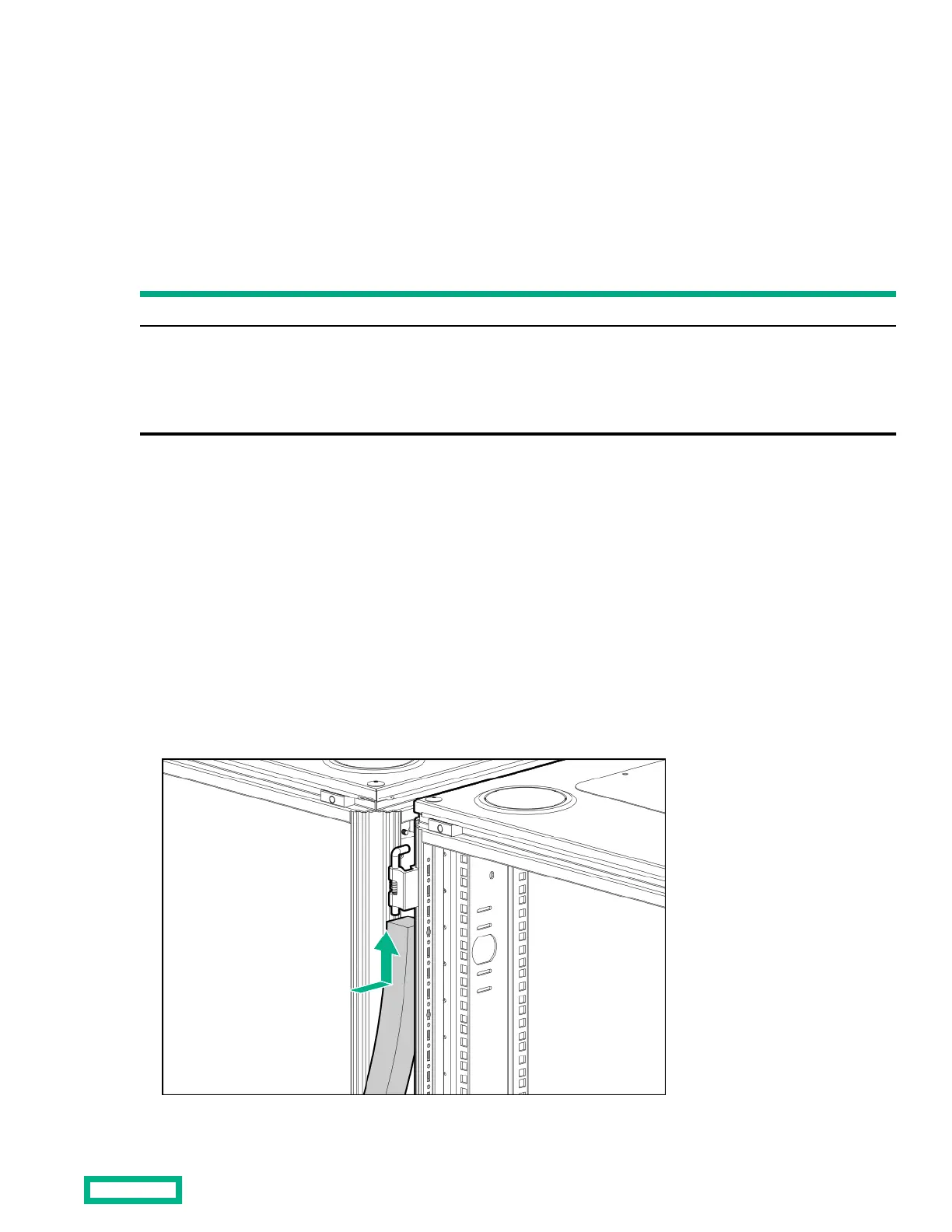
Installing foam rail gaskets between racks
Procedure
1.
Cut the foam rail gasket to fit the size of your rack.
2.
Insert the foam rail gasket between the racks. Ensure that the closed cell side of the gasket faces the front of the rack.
Airflow Optimization kit
11



 To Next Page
 Loading...