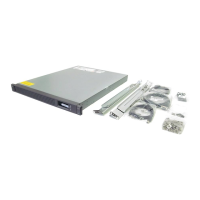
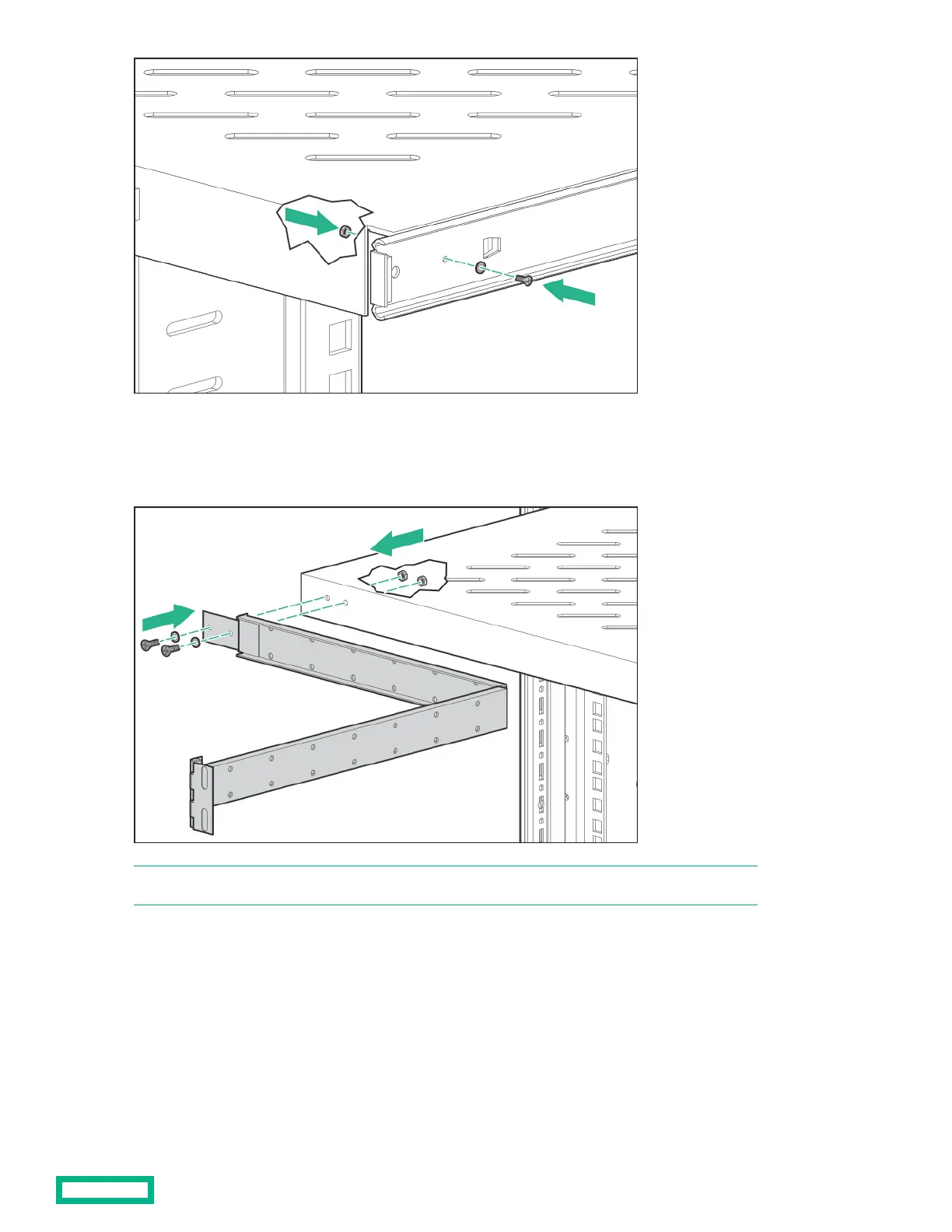
5. Attach the cable management arm to the sliding shelf with the flat side of the cable management arm mounting bracket
flush with the sliding shelf.
6.
Secure the cable management arm to the sliding shelf using two M4 x 12 flat HD screws and M4 external washers with two
M4 nuts on the inside of the shelf.
NOTE: The cable management arm attaches to the rear of the sliding shelf on either the right or left side.
7. Secure the opposite end of the cable management arm to the rack using two M6 x 12 pan HD screws and M6 external
washers.
100 Kilo Sliding Shelf kit
62



 To Next Page
 Loading...