Getting Connected 109
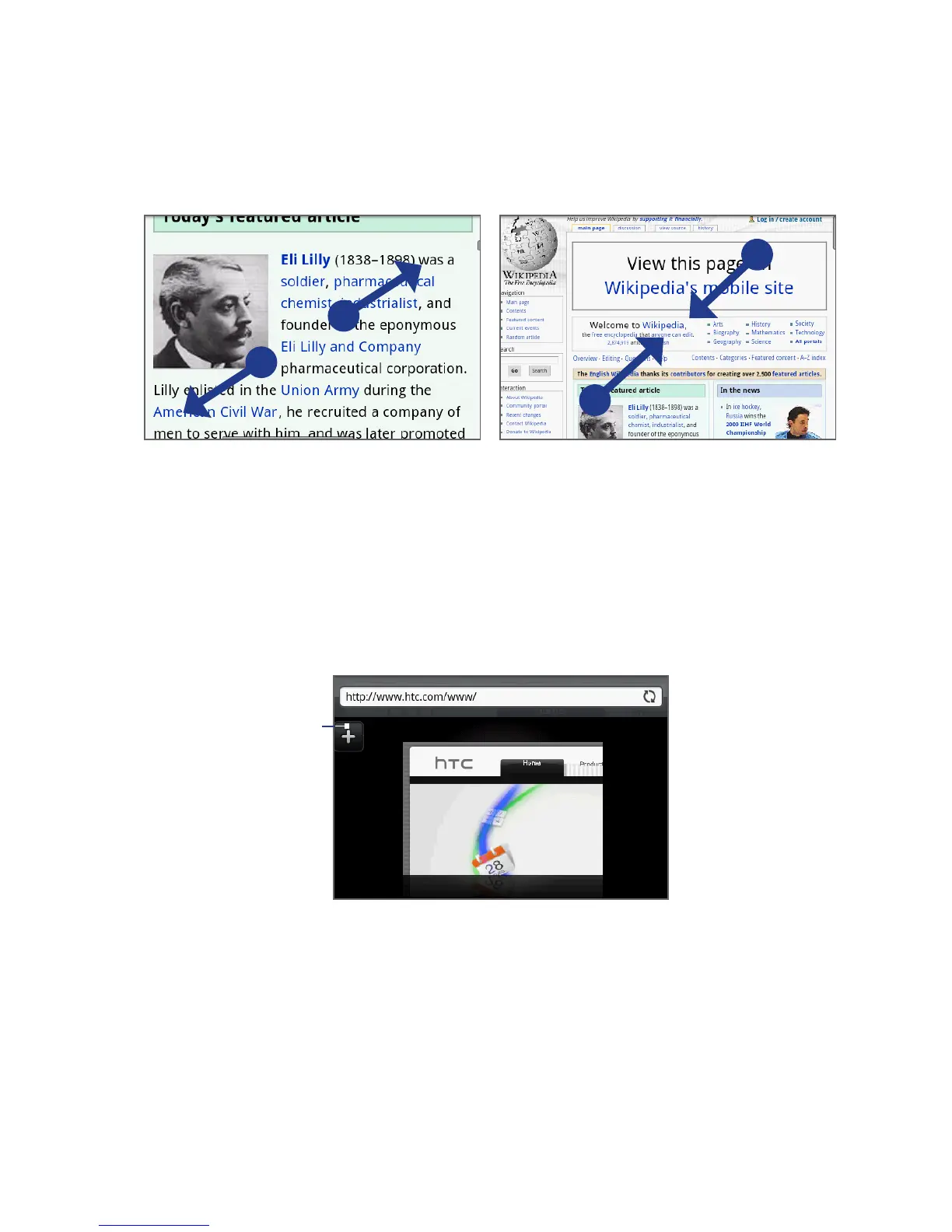
Use your thumb and index fingers to
‘spread’ the web page to zoom in.
Use your thumb and index fingers to ‘pinch’
the web page to zoom out.
Opening a new browser window
Open multiple browser windows to make it easier for you to switch from one web
site to another. You can open up to 4 browser windows.
1.
On a browser window, press MENU and then tap Windows.
2.
Tap the “+” button.
Tap to open a
new browser
window.
A new browser window opens and goes to the home page that is set.



 To Next Page