58 Using Phone Features
Rejecting a call and sending a text message
You can automatically send a default text message to the caller and reject the
incoming voice call. Press MENU and then tap Send message when you have an
incoming call to send the text message.
You can change the default text message by pressing MENU and then tapping
Phone settings > Edit default message while on the Phone screen.
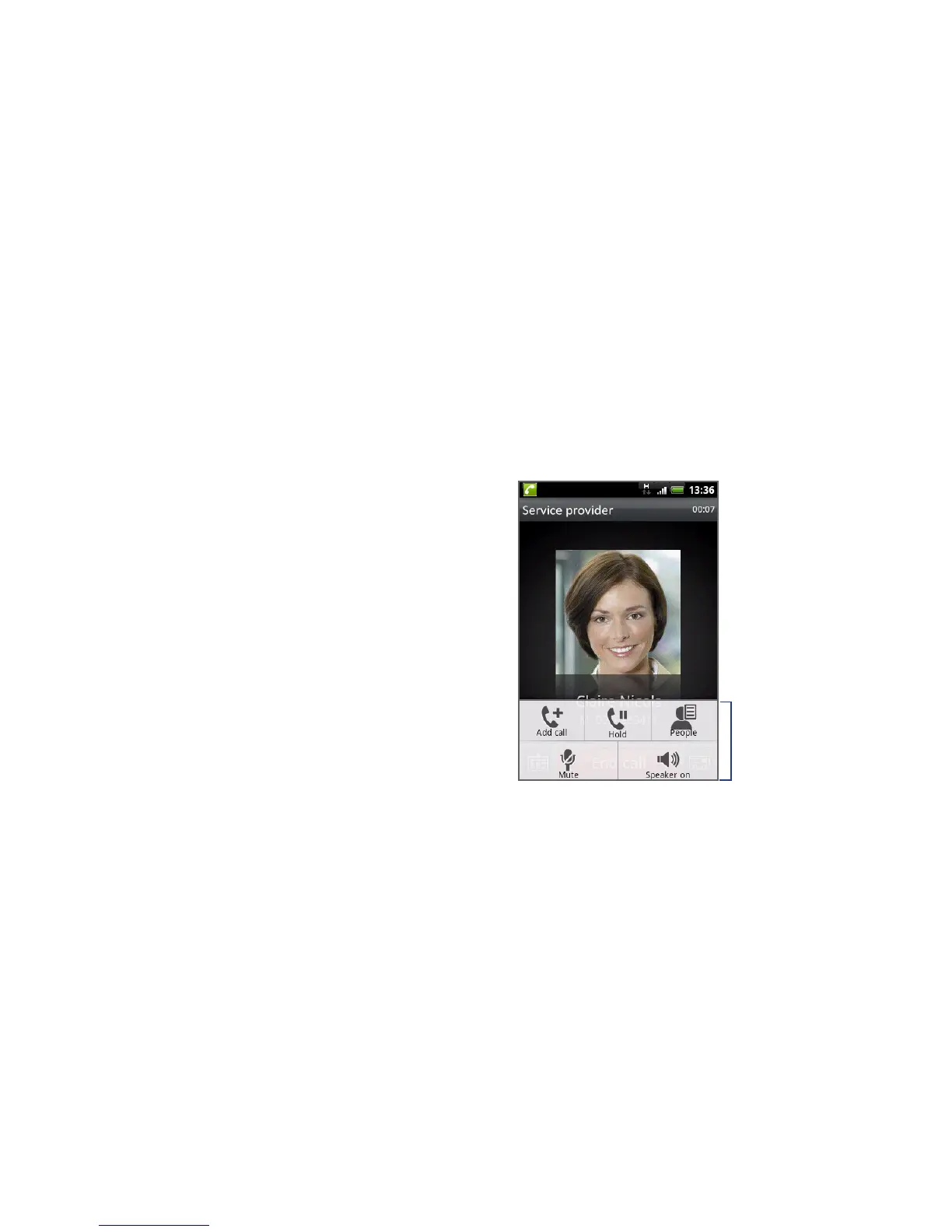
2.3 Using In-call Options
When a call is in progress, press MENU to
open the call options. Tap the available
buttons on the call options menu to put
a call on hold, dial another contact for
a phone conference, mute the phone
microphone, and more.
Note When the phone is dialing, only the
People and Speaker on buttons are
available.
Call options
Handling multiple calls
Your phone notifies you when you have another incoming call, and gives you the
option of rejecting or accepting the call. If you are already on a call and accept the
new call, you can choose to switch between the two callers.



 To Next Page