Google Apps 147
8.3 Using Google Talk
Google Talk is Google’s instant messaging program. It lets you communicate with
other people that also use Google Talk.
Note The Google Talk account that is set up is based on the Google Account that you used
when you set up the phone.
Signing in and chatting online
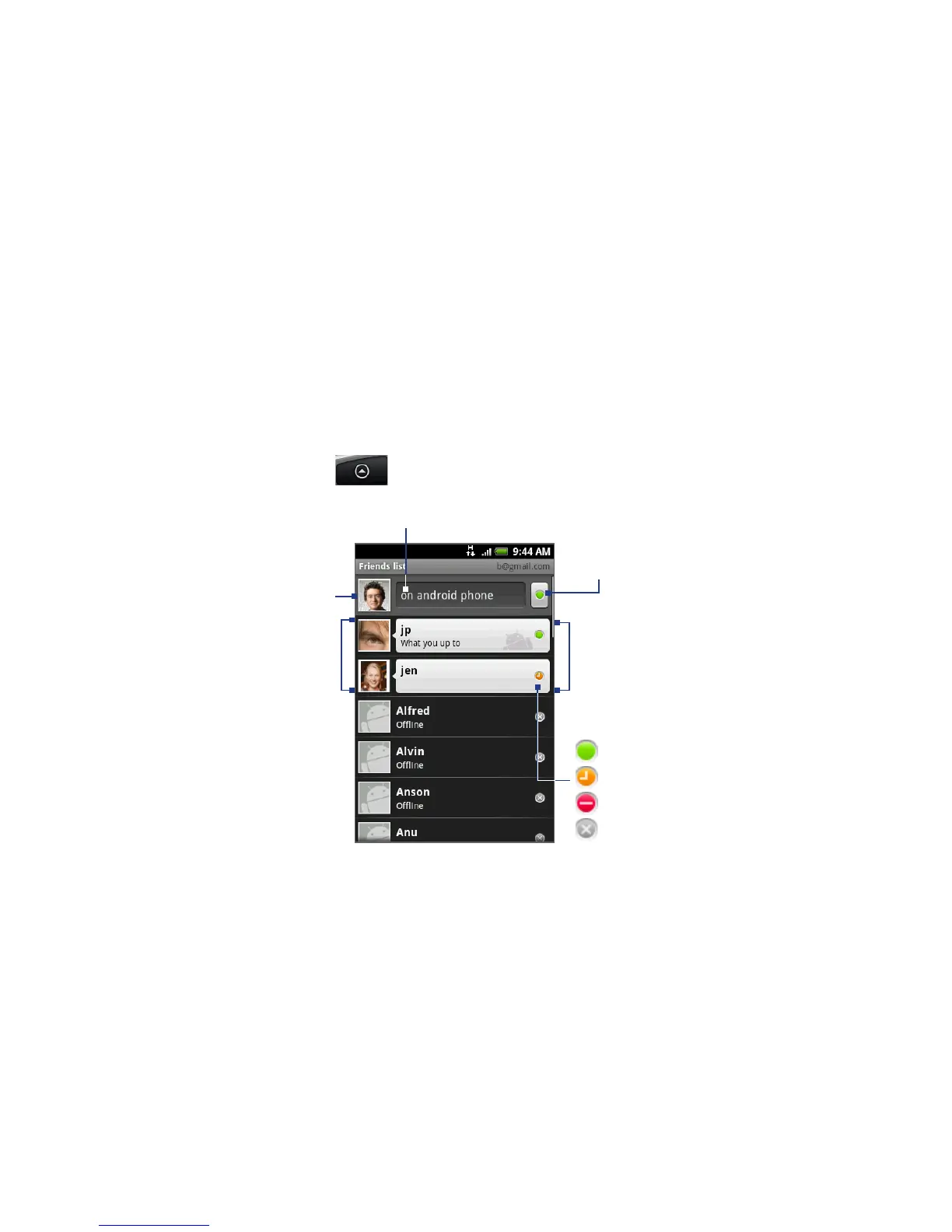
To open Google Talk
Press HOME, then tap , and then tap Google Talk.
Online status:
Available
Idle
Busy
Offline
Opened chats. Tap a callout
to open the chat screen
and start chatting with your
friend.
Friends list
Tap to change
your picture
Tap to change your online status message.
Tap to change your online
status.



 To Next Page