Other Applications 187
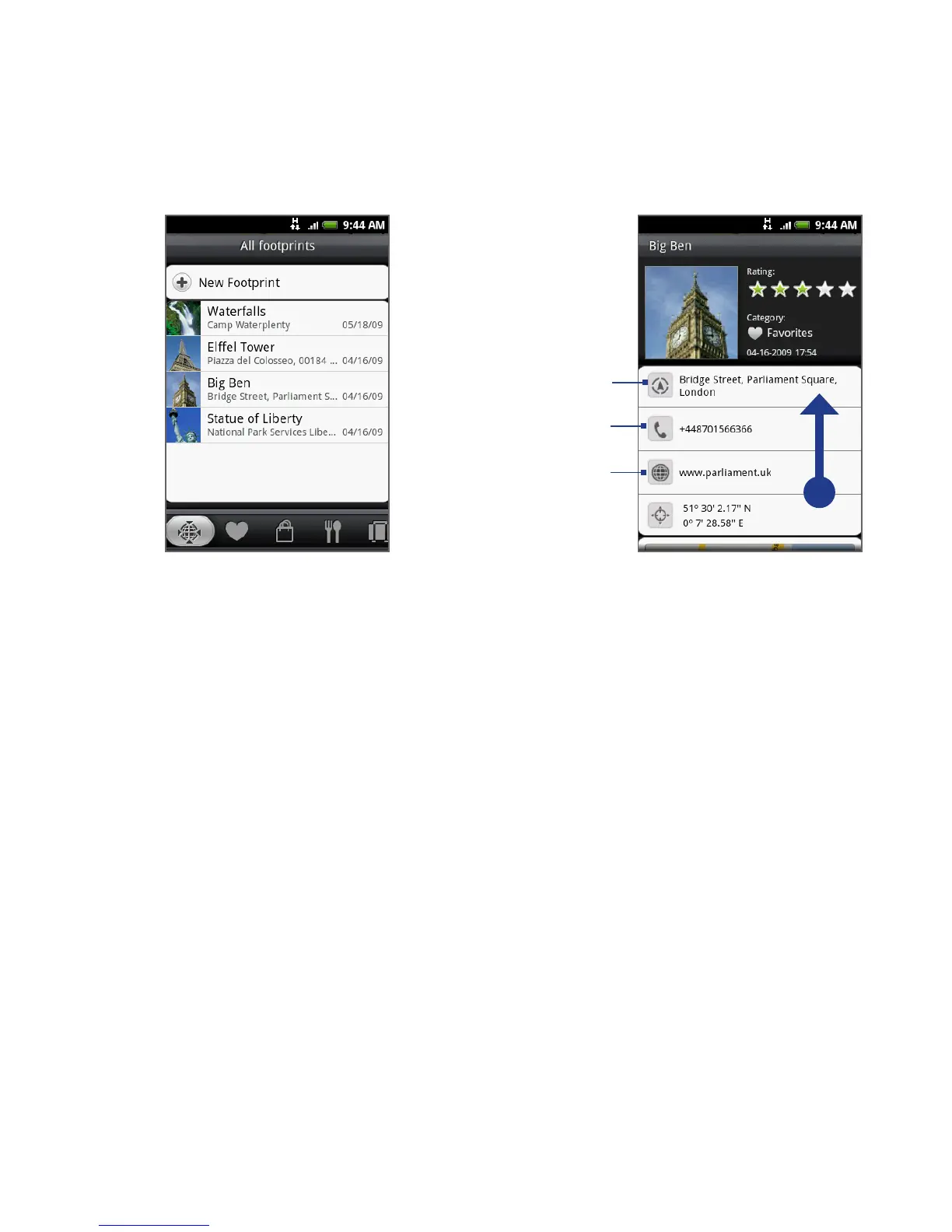
Tap to show the address
in Google Maps.
Tap to open the
URL in Browser.
Tap to call the
phone number.
Scroll up the screen to
see more information.
Editing or deleting a Footprint
On a category screen, press and hold the Footprint you want to edit or delete, and
then tap Edit or Delete on the options menu.
Backing up your Footprints
You can back up all your footprints by exporting them to a storage card. When you
import the backup from the storage card, any new footprints you have added on
the device are kept.
To back up your Footprints, on a category screen, press MENU and then tap
Export.
To import the backup file to the phone, press MENU and then tap Import. If
any footprints on the device are the same as footprints on the card, you are
asked whether you want to overwrite them. You can also use Import to use a
picture in Albums as a Footprint.
•
•



 To Next Page