120 Camera and Multimedia
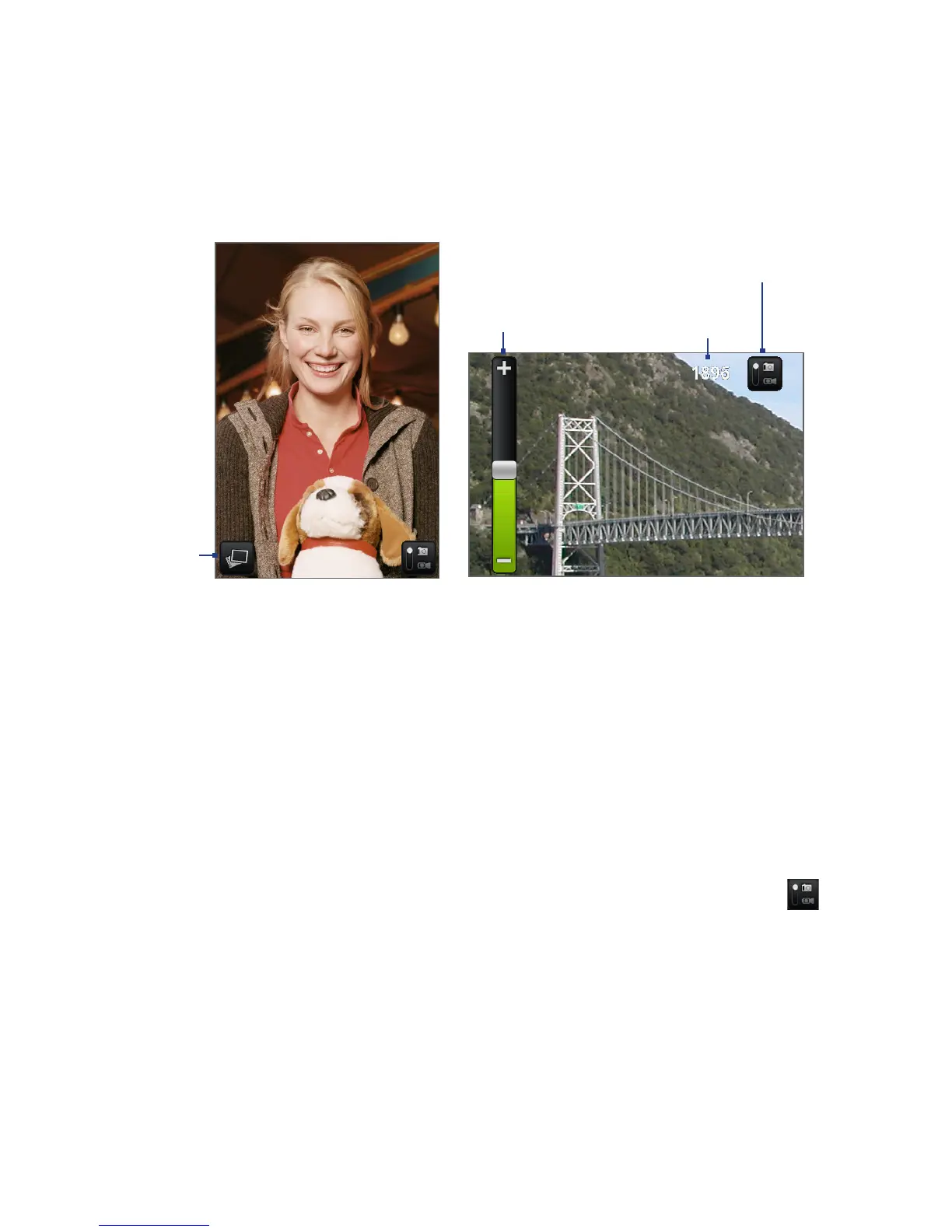
Zoom
control
Remaining
available shots*
Current capture mode.
Tap to switch between
Photo and Video modes.
Opens the
Albums program.
See “Albums” in
this chapter for
details.
Camera screen when phone
is held upright.
Camera screen when phone
is held horizontally.
* In Video mode, this shows the recording duration.
To show the Zoom control and the remaining available shots or recording
duration, slide your finger up or down on the Camera screen. The Zoom control will
disappear after a few seconds.
Closing Camera
On the Camera screen, press HOME or BACK.
Changing capture modes
The phone offers two capture modes: Photo and Video. On the screen, tap to
switch between Photo and Video modes.



 To Next Page