40 Phone Basics
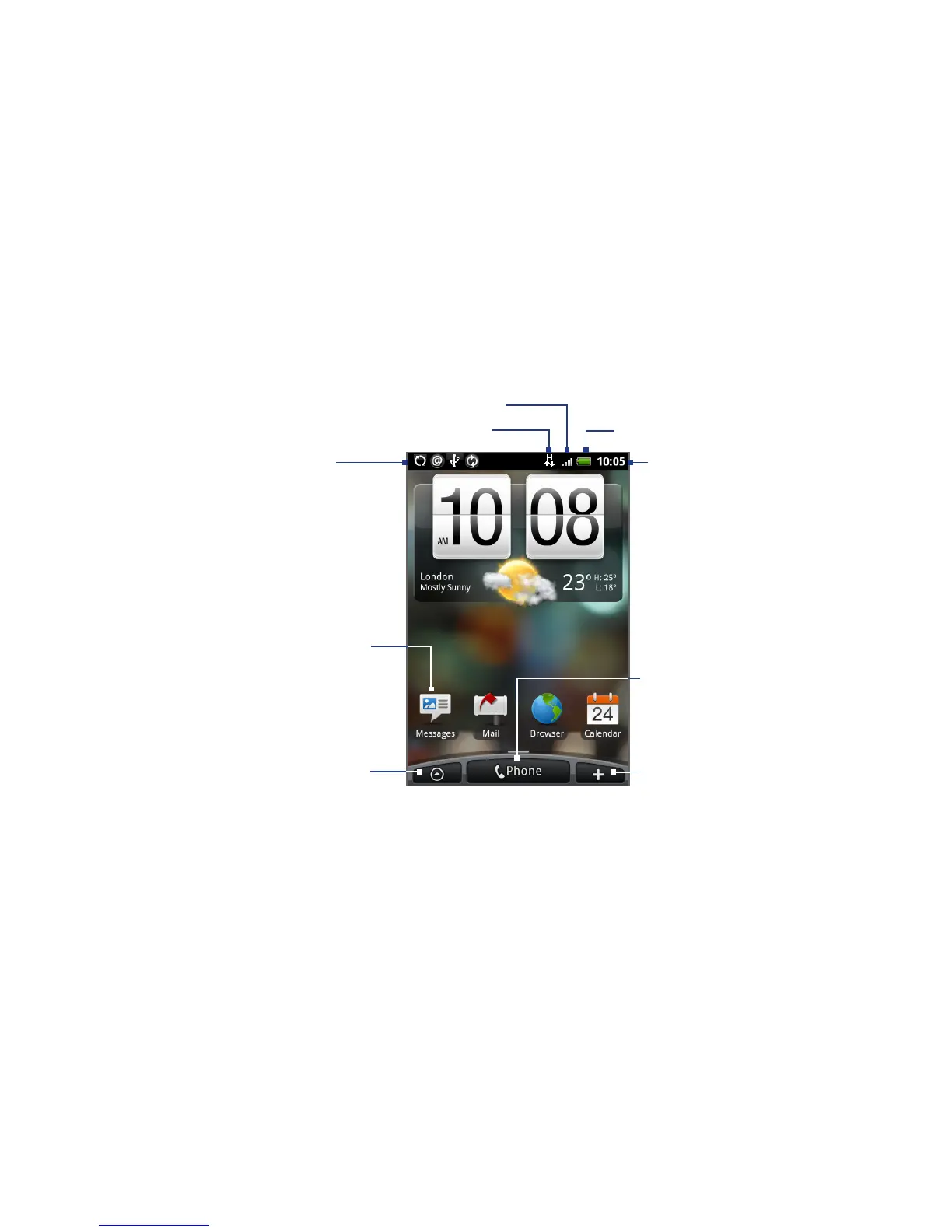
1.7 Home Screen
The Home screen gives you a lot of real estate to work with so you can add the
items you want and need on the Home screen. Add items like application icons,
shortcuts, folders, and HTC or Google widgets to give you instant access to
information and applications.
Notifications.
See “Phone Status
and Notifications”
in this chapter for
details.
Signal strength
Battery status
Connection status
Tap an icon to
open the related
application.
Tap to open or close the
All programs screen.
(See “Applications” in this
chapter for details.)
Time
Tap to open the
Phone screen.
Tap to add shortcuts,
widgets, and folders
on the Home screen.
Tip While in any application, press HOME to go back to the Home screen.



 To Next Page