Other Applications 177
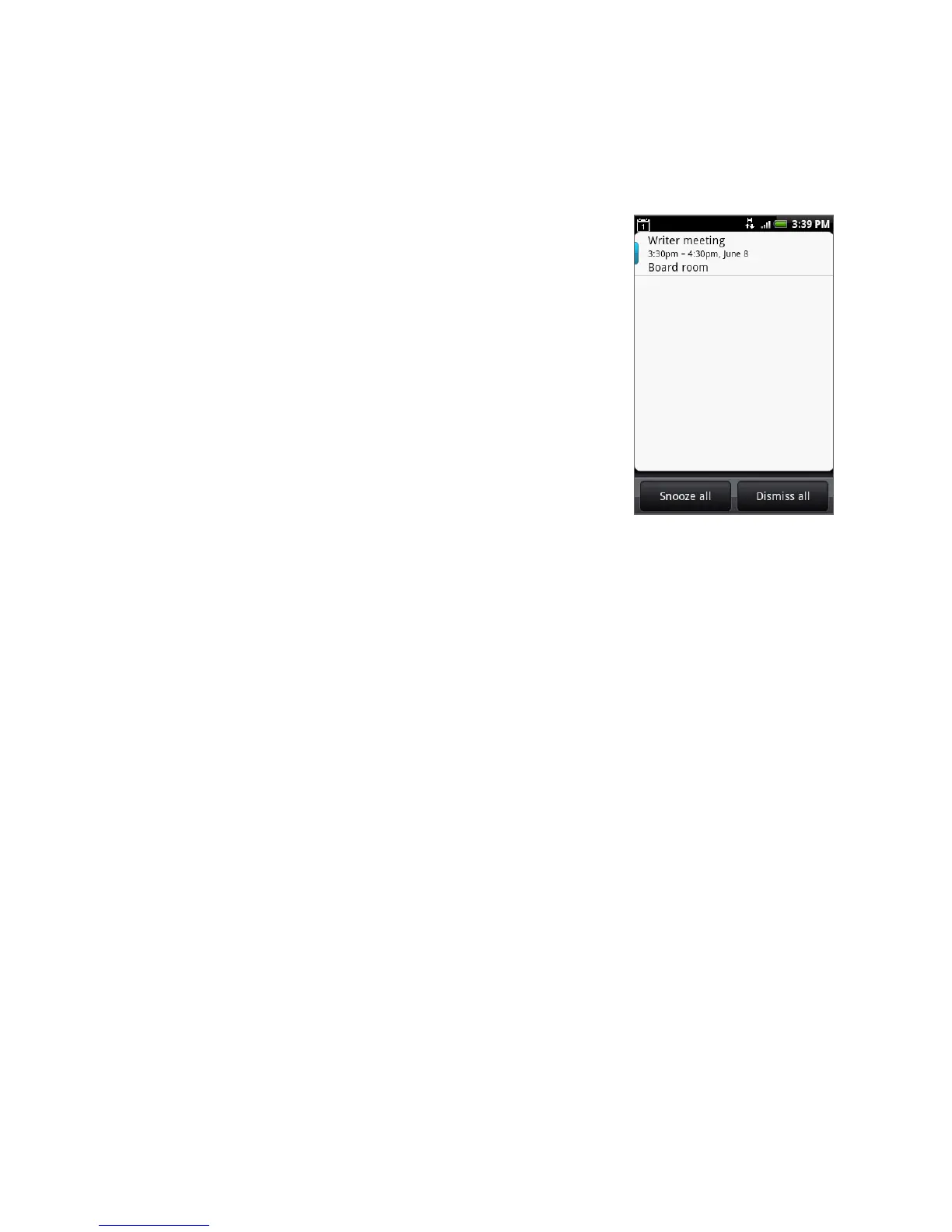
2. Tap the upcoming event name to display the
event.
Note If you have other pending event reminders,
these events will also appear on the screen.
3. Do one of the following:
Tap Snooze all to snooze all event
reminders for five minutes.
Tap Dismiss all to dismiss all event
reminders.
Press BACK to keep the reminders
pending in the notifications area of the
status bar.
•
•
•
Synchronizing Exchange ActiveSync Calendar
If you have set up a Microsoft Exchange ActiveSync account on your phone, you can
also synchronize Exchange ActiveSync calendar events on your phone. Calendar
events on your Exchange ActiveSync will also show in Calendar if you chose to
synchronize with the Exchange ActiveSync Server.
To check if Exchange ActiveSync items are set to be synchronized, go to the Home
screen, press MENU, and then tap Settings > Data synchronization > Exchange
ActiveSync.
Synchronizing Outlook Calendar
See “HTC Sync” in this chapter for details.
Adding the Calendar widget
Add the Calendar widget to let you view your calendar and access your
appointments on the Home screen. To learn how to add widgets, refer to “To add an
HTC widget” in Chapter 1.



 To Next Page